Repair guides
Pick a type, an appliance or a brand. Every guide lists the tools, the safety call-outs, the steps and the reading you should expect.
Diagnostic · 374
Symptom → most likely cause, step by step
Component tests · 69
How to test a specific part, with expected readings
Installation · 33
Install, replace and hook up appliances correctly
Fundamentals · 24
Core skills every appliance tech uses
Appliance
Brand-specific guides
13 guides · Thermostats
Diagnostic · 12
 Guide · Thermostat
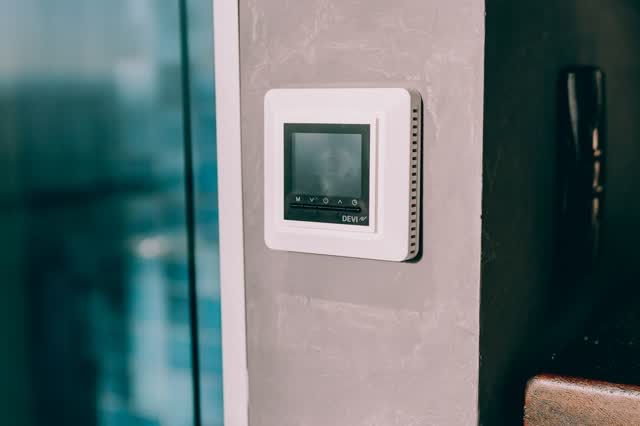
Auxiliary heat runs too much or all the time
Aux heat should only help when the heat pump cannot keep up. Constant aux usually means wrong wiring/settings (aux on the heat pump terminal, emergency heat left on), big setback recoveries, or a heat pump that is not producing heat.
 Guide · Thermostat
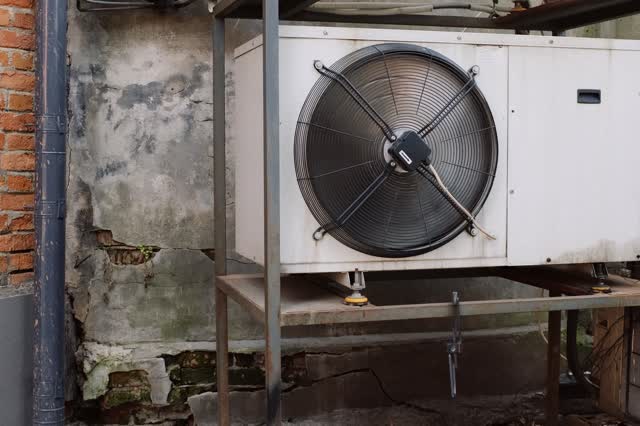
Heat pump blows cold on heat (or warm on cool): O/B setting
The O/B terminal drives the reversing valve. Most brands energize it in cooling (O); Rheem and Ruud typically energize it in heating (B). A wrong O/B setting reverses the modes. Check the equipment diagram, not wire color.
Guide · ThermostatIndoor fan won't turn off from the thermostat
Start at the thermostat: fan set to ON instead of AUTO, or a setpoint the system can never reach. If the thermostat is right, the cause is in the equipment: a stuck fan relay, a limit switch keeping the blower on, a shorted G wire or a control board fault.
Guide · ThermostatInstalling a C-wire adapter (Nest Power Connector, ecobee PEK and similar)
An adapter mounts at the furnace/air-handler board and lets the existing wires carry both the calls and constant 24 V. Check compatibility first: dual-transformer, fan-coil and communicating systems are commonly excluded.
Guide · ThermostatReplacing an old mercury or 2-wire thermostat
First identify the system: low-voltage 24 V, millivolt (wall furnace/gas fireplace) or line-voltage (120/240 V baseboard). Most smart thermostats only fit 24 V systems. Old dial/lever units often contain a mercury bulb that must be recycled, never trashed.
Guide · ThermostatSmart thermostat offline / Wi-Fi problems
Separate network problems (router, credentials, internet) from power problems: many smart thermostats switch the radio off when batteries or borrowed power run low. Read the brand's code first.
 Guide · Thermostat
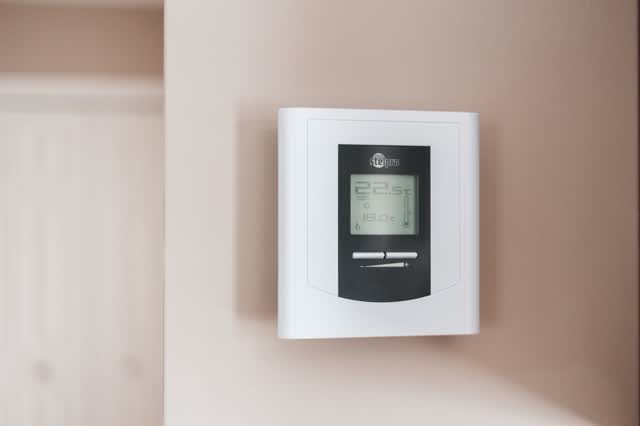
System short cycles (turns on and off quickly)
Short cycling can be a thermostat placement or power-stealing problem, but often it is the equipment tripping on a safety (high limit, frozen coil, float switch). Watch one full cycle and see who ends it: the thermostat or the equipment.
Guide · ThermostatThermostat blank screen / no power
A dead display is usually a missing 24 V supply, not a bad thermostat. Work from batteries and breakers to the furnace door switch, condensate float switch, board fuse and transformer. A board fuse that blows again points to a shorted thermostat or outdoor wire.
Guide · ThermostatThermostat calls but heat or cooling does not start
Split the problem in two: is the thermostat sending 24 V on the call wire, and is the equipment responding to it? A jumper test at the board answers that in minutes.
Guide · ThermostatThermostat reads or holds the wrong temperature
Compare the thermostat reading with a reference thermometer at the same spot. If the reading is wrong, look at location, drafts and sensors; if the reading is right but the room never reaches setpoint, the equipment is undersized, starving for air or faulty.
Guide · ThermostatThermostat setpoint changes by itself
Most 'ghost' changes come from features, not faults: a program schedule resuming after a temporary hold, learning schedules, eco/away modes, utility demand-response events, or another person or app. Check the thermostat history before replacing it.
Guide · ThermostatThermostat shows WAIT or flashing 'Cool On'
Most thermostats hold the compressor off for a few minutes after it stops or after power returns, to prevent short cycling. That delay is normal. If the message lasts well past the delay or the system never starts, check mode, breakers, filter-related lockouts and wiring.