Repair guides
Pick a type, an appliance or a brand. Every guide lists the tools, the safety call-outs, the steps and the reading you should expect.
Diagnostic · 374
Symptom → most likely cause, step by step
Component tests · 69
How to test a specific part, with expected readings
Installation · 33
Install, replace and hook up appliances correctly
Fundamentals · 24
Core skills every appliance tech uses
Appliance
Brand-specific guides
28 guides for Samsung
Refrigerators · 4
 Guide · Refrigerator
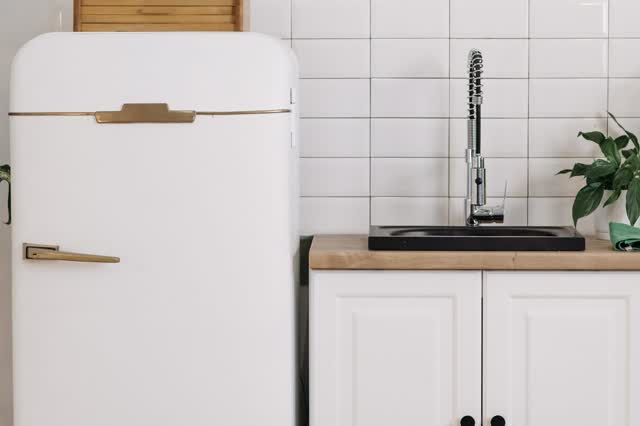
Refrigerator water dispenser keeps dripping after use
A few drops right after dispensing is normal. Longer dripping is usually trapped air in the lines after a filter change or door removal, which pushes water out as it expands. If purging does not help, check filter seating, levelling and the inlet valve.
 Guide · Refrigerator
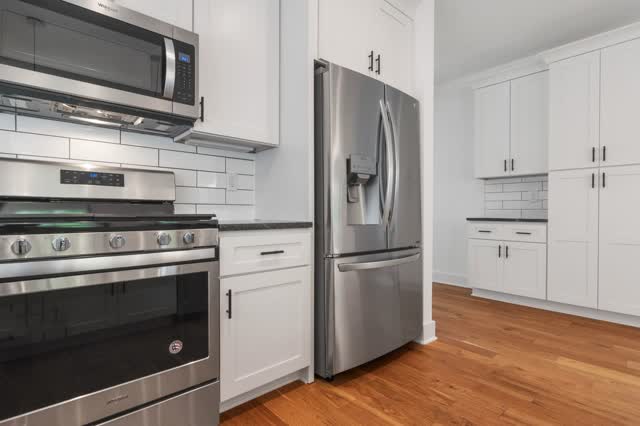
Samsung Family Hub screen frozen or blank
The Family Hub screen has its own power switch inside the right door. A switch reset fixes most freezes; if not, a full power cycle, software update or service on the screen/board is next.
Guide · RefrigeratorSamsung in-door ice maker / ice room icing up
Moist air leaking into the in-door ice room freezes on the fan, ice maker and bucket. Thawing it only fixes it for a while. A lasting fix means finding and sealing the air leak and correcting airflow, often with Samsung's updated parts and procedures.
 Component test · Refrigerator
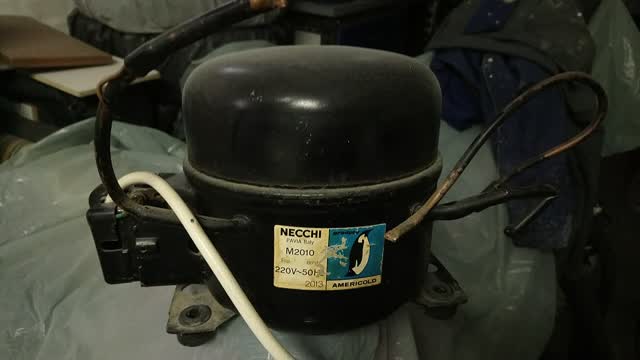
Refrigerator inverter compressor board: what is safe to check
Inverter boards make variable-frequency 3-phase power for the compressor. Electrical checks of the board and compressor terminals are allowed; anything that opens the sealed refrigerant system is EPA 608 work and blocked. Boards fail more often than compressors.
Washers · 7
See all 7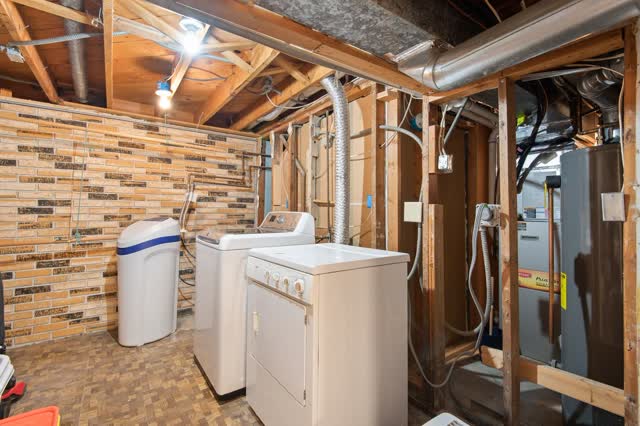 Guide · Washer
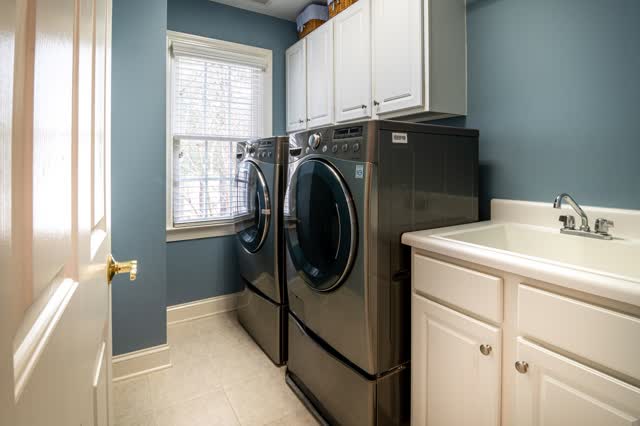
Hot and cold water reversed (HC, F0E4, 4C2)
The hoses are swapped at the faucet or at the washer. Swap them; no parts needed.
 Guide · Washer
Reading stored codes and service/test mode (overview)
Entry sequences differ by model and generation. Always confirm on the tech sheet inside the cabinet; the sequences below are examples reported for specific model families.
Guide · WasherSamsung top-load banging / unbalance (suspension rods)
Worn suspension rods let the tub hit the cabinet. After ruling out load and leveling, replace all four rods as a model-matched set.
Guide · WasherTop-load not agitating (fills and drains OK)
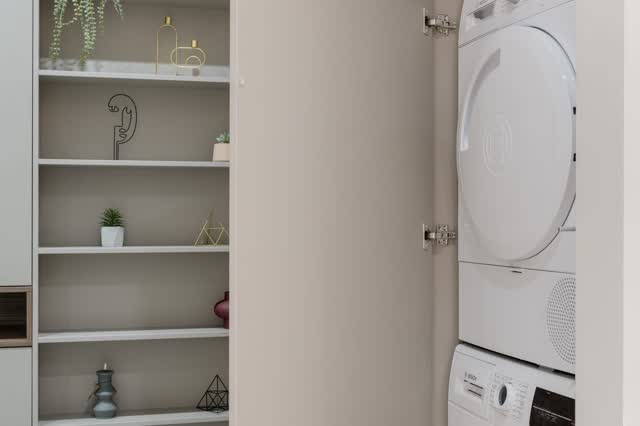
On older Whirlpool/Kenmore direct-drive top-loads, fill-and-drain-OK but no agitate/spin is the classic broken motor coupler. On newer models, look at the shift actuator/clutch, lid lock and motor.
 Guide · Washer
Washer-dryer combo washes but does not dry
Combos are ventless and dry slowly. Clean the condenser/lint path, check load size and power (many need 240 V), then check heater or heat pump.
 Component test · Washer
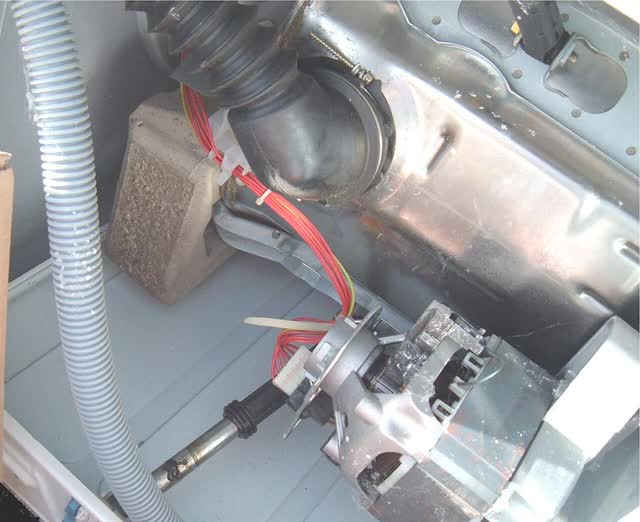
Rotor position sensor (direct-drive motors)
On direct-drive motors the rotor position sensor sits on the stator and tells the inverter where the rotor magnets are. A bad sensor, cracked connector or water ingress gives motor errors even with good windings.
Dryers · 5
 Guide · Dryer
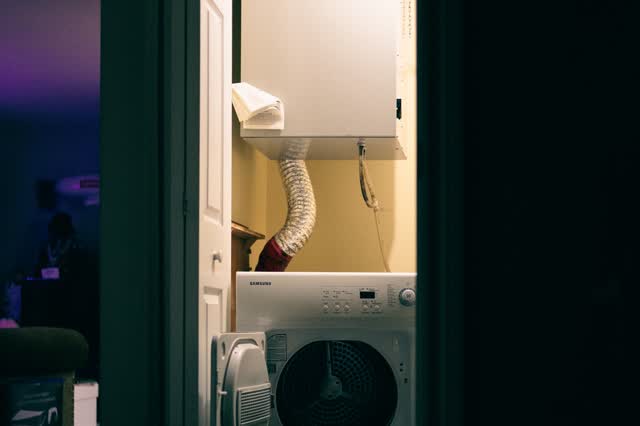
Dryer steam features not working
Steam dryers use a feeder or a hose supply. Check water, inlet filter and valve, then the steam generator thermistor.
Guide · DryerDryer will not connect to the app (Wi-Fi)
Most cases are 2.4 GHz network, registration or router issues; a few are module faults.
Guide · DryerHeat-pump (ventless) dryer drying poorly
Heat-pump dryers are slower than vented dryers by design. Real faults are usually clogged lint or condenser filters, a blocked drain path, or a cold room. The refrigerant circuit is sealed: diagnosis only.
Guide · DryerLint filter not detected or lint filter codes
Several dryers sense the lint filter. Seat the filter fully, clean it, then check the sensing switch.
Guide · DryerVentless dryer water tank and condensate codes
Condenser and heat-pump dryers collect water in a tank or pump it out. Empty tank, clean float, clear hose.
Ranges & Ovens · 1
Air Conditioners · 1
TVs · 10
See all 10 Guide · TV
Apps freeze, crash or won't load
Separate network from app: test on a phone hotspot. One app failing is usually the app; all apps failing points to network or TV software.
 Guide · TV
Audio out of sync with picture (lip sync)
Check whether it's every source or one channel. Use the TV's AV sync / bypass controls, the soundbar's own delay, and PCM output.
Guide · TVBluetooth / smart remote won't pair
Smart remotes use Bluetooth/RF for most keys and IR only for a few (often power). Fix batteries first, then reset and re-pair close to the TV sensor.
 Guide · TV
Firmware update or recovery from a USB drive (Samsung, LG)
Samsung and LG let you load the model's update file from a USB stick. The format and folder rules are strict; most failures are a wrong file, wrong folder or wrong format.
Guide · TVFlicker only in HDR / Dolby Vision or from one HDMI source
Usually the enhanced HDMI mode (LG HDMI Ultra HD Deep Colour, Samsung Input Signal Plus) with a cable, hub or source that can't hold the bandwidth.
Guide · TVOLED image retention or burn-in
Short-term retention usually clears on its own once the TV's automatic compensation runs at power-off. One manual refresh is the next step; if the ghost survives, it is permanent panel wear and the fix is a panel.