Repair guides
Pick a type, an appliance or a brand. Every guide lists the tools, the safety call-outs, the steps and the reading you should expect.
Diagnostic · 374
Symptom → most likely cause, step by step
Component tests · 69
How to test a specific part, with expected readings
Installation · 33
Install, replace and hook up appliances correctly
Fundamentals · 24
Core skills every appliance tech uses
Appliance
Brand-specific guides
23 guides · Tech Fundamentals
Component tests · 23
 Component test · Fundamentals
Flame sensor (flame rectification) microamp test
The flame sensor rod lets a tiny DC current flow through the flame. The board shuts the gas off if it does not see enough microamps. Clean first, then measure in series with a meter that reads DC µA.
 Component test · Fundamentals
Furnace hot surface igniter (HSI)
Furnace HSIs are silicon carbide or silicon nitride elements. Measure cold resistance against the type; replace if open or far out of range. Handle only by the base.
 Component test · Fundamentals
Fuses on control boards and in-line fuses
Board fuses protect the board supply or a high-current output. A blown fuse almost always means something shorted downstream; replacing it without finding the cause usually ends in another blown fuse or a destroyed board.
 Component test · Fundamentals
GFCI and AFCI trips caused by appliances
Class A GFCIs must trip between about 4 and 6 mA of leakage to ground, so a slightly leaky heater or motor can trip them. AFCIs react to arcing signatures and also contain a ground-fault element with a higher threshold. Find out whether the appliance leaks before blaming the device.
Component test · FundamentalsHow to test a door switch (refrigerator, dryer, dishwasher)
Door switches tell the control or the circuit that the door is shut. Some are normally open, some normally closed, and many have more than one set of contacts (light + fan, or start circuit). Test each pair in both door positions.
 Component test · Fundamentals
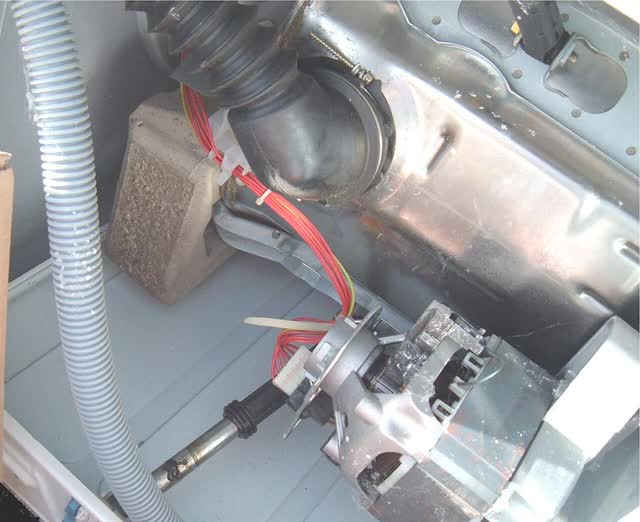
How to test a mechanical timer (washer, dryer) contacts and motor
Mechanical timers are a small motor driving a cam stack that opens and closes many contacts. You need the timer chart (on the wiring diagram) to know which contacts should be closed at each dial position.
 Component test · Fundamentals
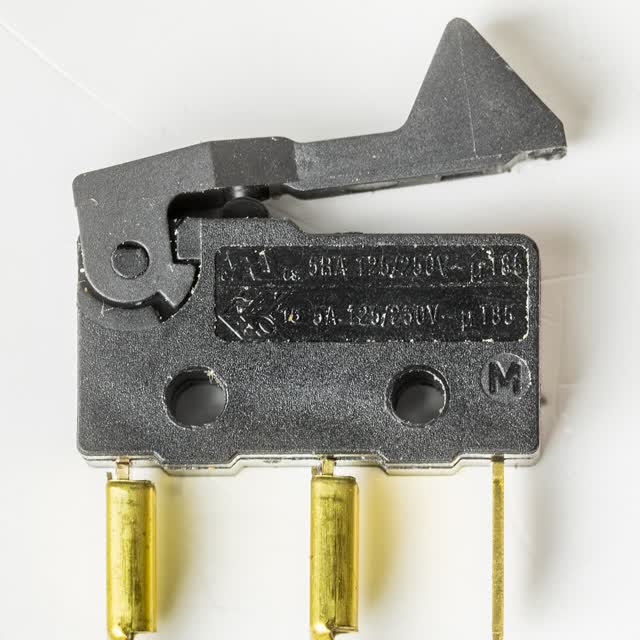
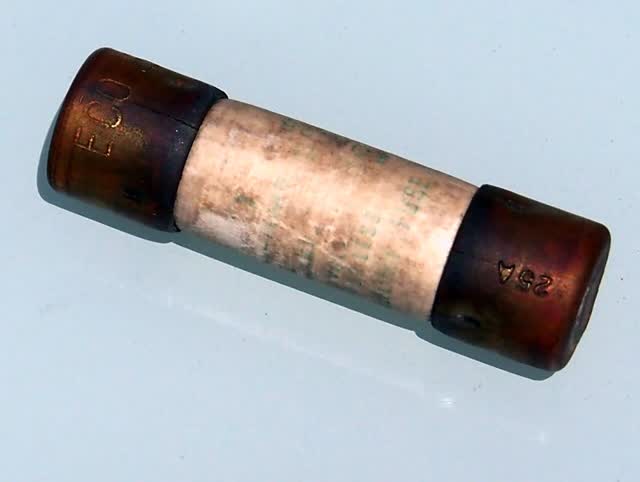
How to test a micro switch / door interlock (COM, NO, NC)
Micro switches are small snap-action switches used as interlocks in microwaves, dishwashers, dryers and ice dispensers. Most have three terminals: common, normally open and normally closed. Test both contact pairs in both positions.
Component test · FundamentalsHow to test a PSC motor (common, start and run windings)
Permanent split capacitor (PSC) motors are used in AC condenser and blower fans, some washer and dishwasher motors. Test the capacitor first, then the three windings. The two individual readings must add up to the start-to-run reading, and nothing may read to ground.
Component test · FundamentalsHow to test a selector or rotary switch (temperature, cycle, fan speed)
Selector switches route power to different circuits in each position. Like a timer, you need the switch chart from the wiring diagram to know which terminals should connect in each position.
 Component test · Fundamentals
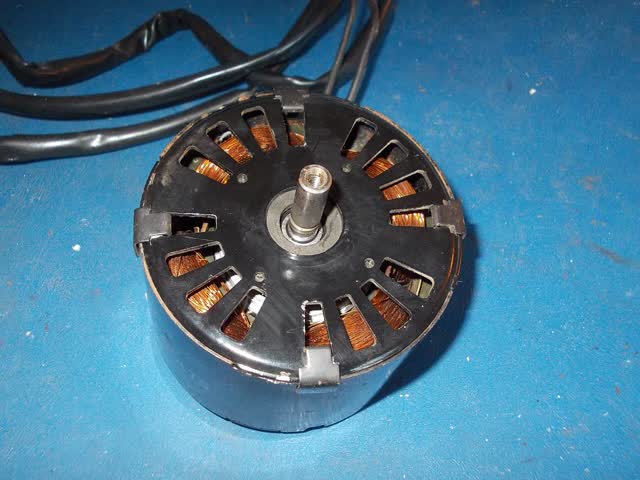
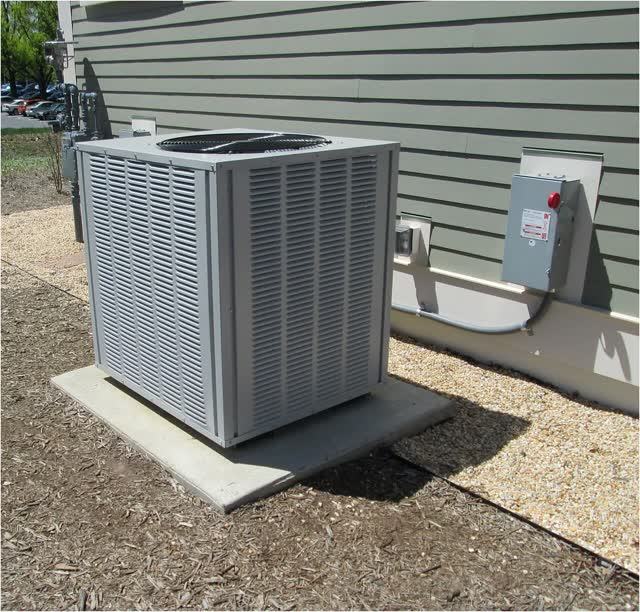
How to test a shaded-pole fan motor
Shaded-pole motors are the simple, low-power AC motors with copper shading rings on the pole pieces. They have one winding, no capacitor and a weak starting torque, so they usually fail from dry bearings rather than burned windings.
 Component test · Fundamentals
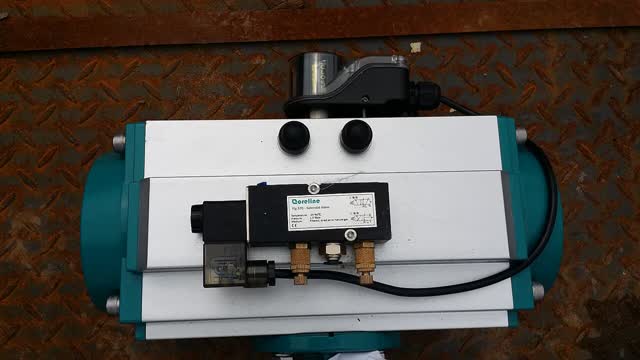
How to test a solenoid (dispenser, ice door, lock, diverter)
A solenoid is a coil that pulls a plunger when energized. Test the coil resistance, the voltage it receives, and that the plunger moves freely.
Component test · FundamentalsHow to test a water inlet valve (single, dual and triple coil)
Inlet valves are solenoid valves. Each coil opens one water path. Test each coil for resistance; a coil can be fine yet the valve still fail mechanically (clogged screen or stuck plunger), so check flow and the screen too.
 Component test · Fundamentals
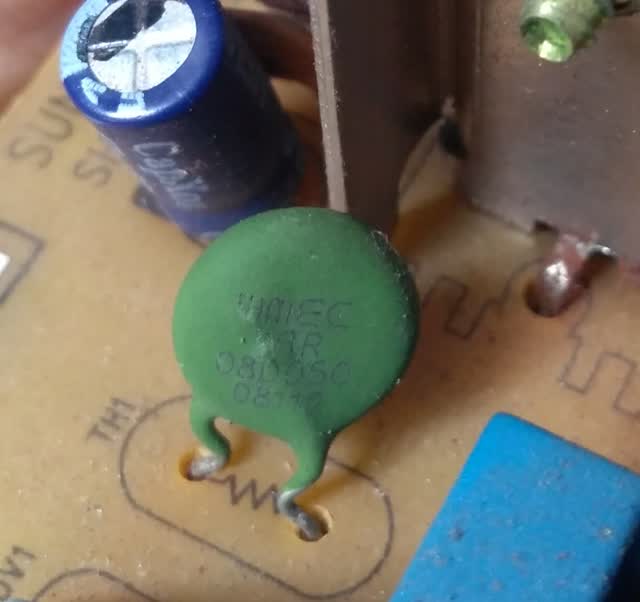
How to test an NTC thermistor (temperature sensor) and read a resistance chart
NTC thermistors are used in refrigerators, dryers, washers, dishwashers, AC units and water heaters. Resistance falls as temperature rises. You test them by measuring resistance at a known temperature and comparing it with the chart for that exact sensor family.
 Component test · Fundamentals
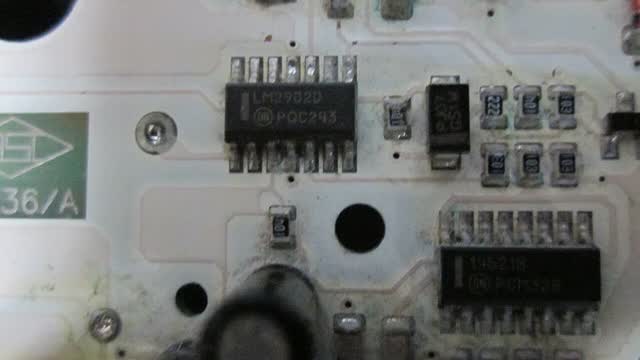
Low-voltage DC supply checks (5 V and 12 V rails)
Boards make low-voltage DC (often 5 V for logic and sensors, 12 V for relays, and other values on some products). A sagging rail causes many strange symptoms. Measure it at a known test point or connector, then remove loads one by one to find what drags it down.
Component test · FundamentalsMain control board: power-in checks, outputs, and board vs load
Most boards that get replaced are fine; the real fault is usually missing input power, a bad load, or a harness. Prove the board has power in, is commanding an output, and that the output actually leaves the board before condemning it.
Component test · FundamentalsPTC / wax motor actuators (locks, dispensers)
Wax or PTC actuators heat a small element that expands wax and pushes a pin. They are slow by design and release only after cooling. Test resistance cold and confirm the board supplies voltage.
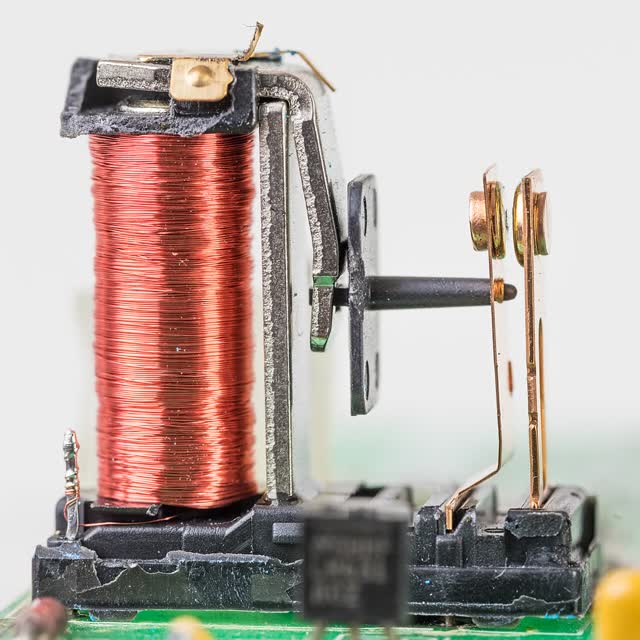
Component test · FundamentalsRelay on a control board: clicks but no output
A click only proves the coil moved. Burnt or pitted contacts can still fail to pass current. Measure across the contacts under load and at the output pin.
 Component test · Fundamentals
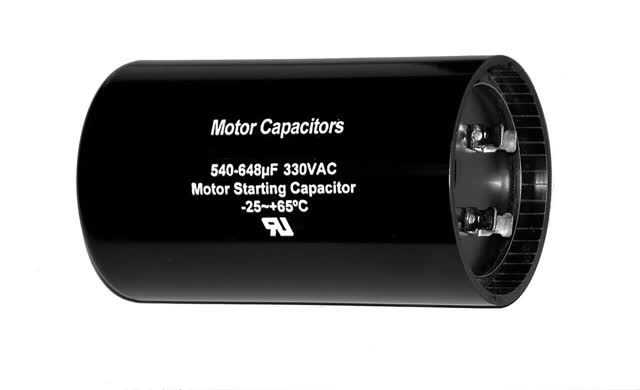
Run capacitor: microfarad test and tolerance
Run capacitors stay in the circuit while the motor runs. Test capacitance with a meter that has a µF range and compare to the label. Replace if outside the tolerance printed on the can, if open, or if bulged or leaking.
Component test · FundamentalsStart capacitor test (and its relay or PTC)
Start capacitors are higher-µF electrolytic parts that are only in the circuit for a moment at start, removed by a relay, PTC or centrifugal switch. They fail open, shorted or bulged, often because the switching device kept them in circuit too long.
 Component test · Fundamentals
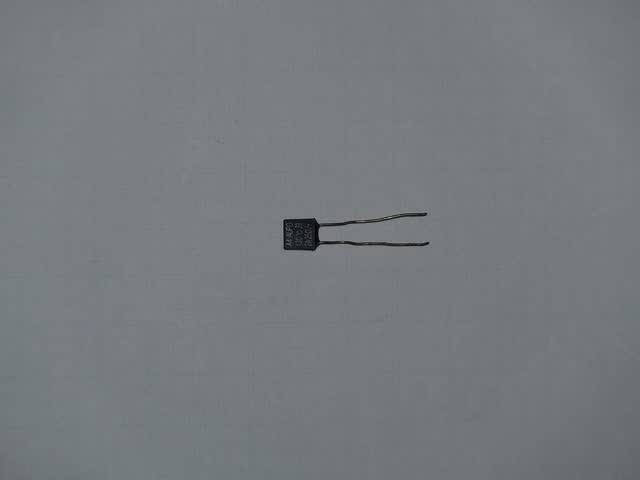
Thermal cutouts and thermal fuses (TCO)
Thermal cutouts open when a part gets too hot. Some reset themselves when they cool; one-shot thermal fuses must be replaced. A blown cutout is a symptom: always find the overheating cause (blocked vent, failed fan, stuck relay) before closing up.
Component test · FundamentalsUser interface board, keypad and membrane switch testing
The UI is a display/keypad board fed with low-voltage DC from the main board. Separate three faults: no DC feed (main board or harness), a failed membrane (keypad tail), or a failed display/UI board.
Component test · FundamentalsWi-Fi and smart modules
Most "bad Wi-Fi module" calls are network problems: wrong band, weak signal or router settings. Prove the network first, then power-cycle, then check the module supply and connector before replacing the module or board.
 Component test · Fundamentals
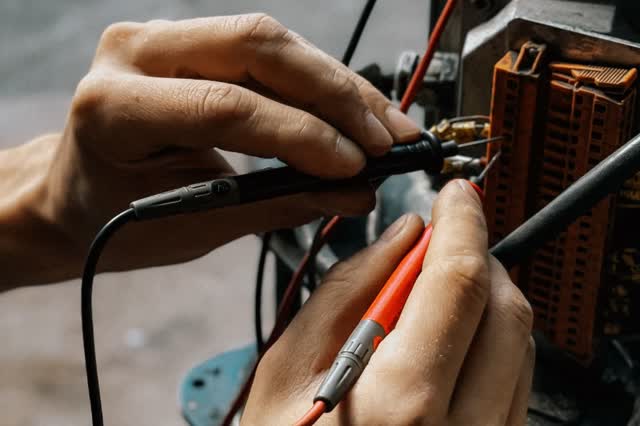
Wiring harness and connectors: voltage drop, heat and corrosion
Harness and connector faults mimic failed parts. A loose or corroded terminal can pass a continuity test with no load and still drop voltage when current flows. Test voltage drop under load and replace both halves of a heat-damaged connection.