 7 components covered
Field manual · TV
TCL Q6 (Q650G / Q651G) and Q7 (Q750G) Google TV: quick sheet
Covers: TCL Q-Class quantum-dot Google TVs: Q6 (Q650G 2023, Q651G 2024; e.g. 55Q650G, 55Q651G, 43 in and up) and Q7 (Q750G 2023, e.g. 65Q750G, 55-85 in). The QM8 mini-LED has its own sheet.
Q6 is a 60 Hz direct-lit quantum-dot set with three HDMI inputs; Q7 adds full-array local dimming, a 120 Hz panel and two HDMI 2.1 inputs. Both run Google TV. RTINGS warns that on the Q651G a single failed LED can take out the whole backlight.
Safety first
- Unplug and wait before opening.
- Live tests on power board / LED driver are caution work.
- Two-person panel handling.
How it works
Power board supplies standby, main-board and LED rails; the main board (Google TV) drives the panel electronics.
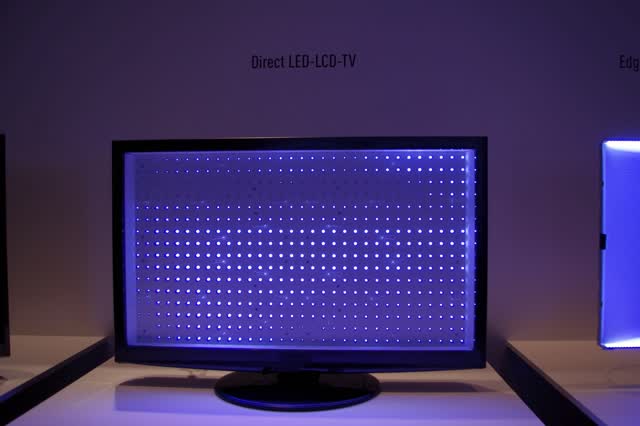
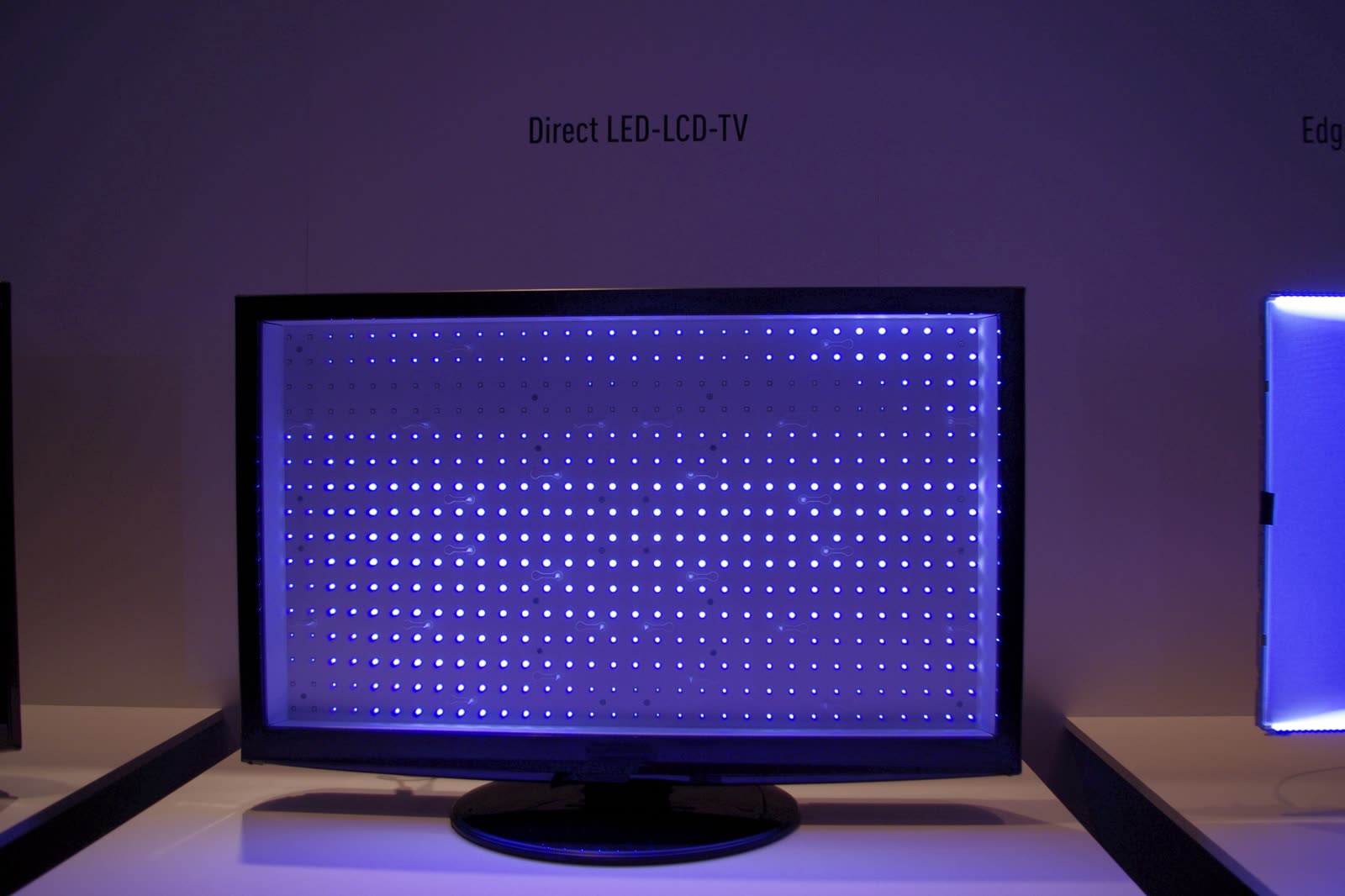
Q6: LED strips without zones, series-wired. Q7: full-array backlight with zones under dimming control (RTINGS counted about 160 zones on its unit; TCL claims more on larger sizes).
TCL Google TV recovery mode (hold the TV's power button while plugging in) can factory reset a set stuck on the logo.
Components & tests
Unlock all 7 components, specs, service mode and teardown
Full library + AI assistant + the OnCall Tech app for iPhone & Android. $34.90, one time.
Get lifetime accessOfficial manufacturer documentation
Always confirm values against the tech sheet for the exact model.
OnCall Tech is a reference tool for trained technicians and can make mistakes. Always disconnect power and confirm with the manufacturer's documentation before you work. © 2026 OnCall Tech. Original content; not a reproduction of any manufacturer document.Generic part photos (not of this brand): LCD TV with the panel removed, showing the grid of lit LED backlights by RobertKuhlmann, CC BY-SA 3.0