 6 components covered
Field manual · TV
Hisense A6 / A7 4K Google TV (A6H / A6K / A6N, A7N): quick sheet
Covers: Hisense entry 4K Google TVs: A6 (A6H 2022, A6K 2023, A6N 2024; e.g. 50A6H, 65A6K, 65A6N; 43-85 in) and A7 (A7N 2024, e.g. 65A7N; 43-85 in). European A6N units run VIDAA instead of Google TV; this sheet is for US Google TV units.
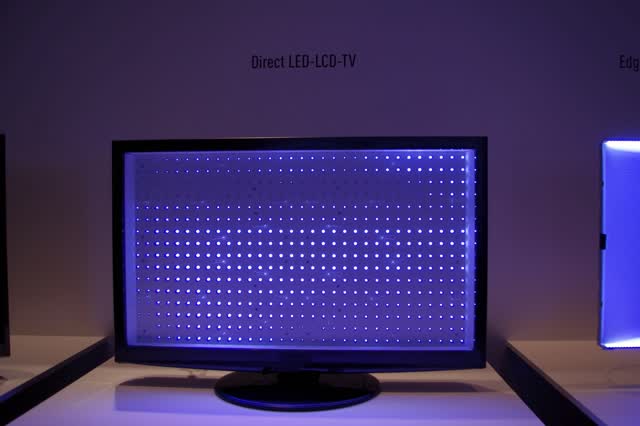
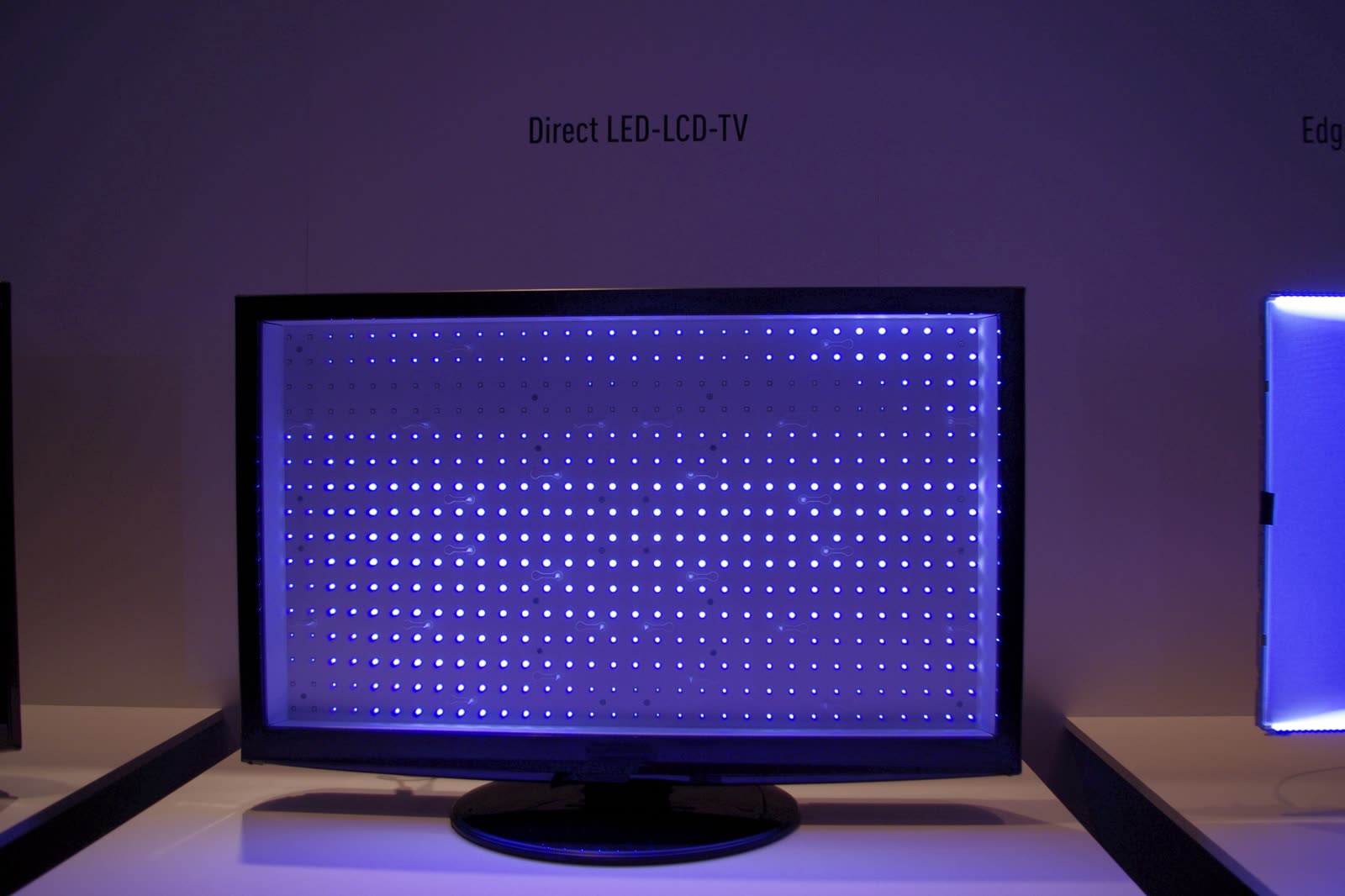
Budget direct-lit LED sets: 60 Hz, no local dimming, Google TV, Dolby Vision and HDR10+. A7N adds a wide color gamut. Main field faults are backlight strips (sound, no picture), power board, and Google TV software.
Safety first
- Unplug and wait before opening.
- Live tests on power board / LED driver are caution work.
- Two-person panel handling.
How it works
Power board feeds main board and LED strings; main board runs Google TV and feeds the panel.
No local dimming: blacks look gray in a dark room (RTINGS); that is normal.
Port count changes by size on the A7N (RTINGS: 65, 75, 85 in have four HDMI inputs). Check the exact size before quoting a board.
Components & tests
Unlock all 6 components, specs, service mode and teardown
Full library + AI assistant + the OnCall Tech app for iPhone & Android. $34.90, one time.
Get lifetime accessOfficial manufacturer documentation
Always confirm values against the tech sheet for the exact model.
OnCall Tech is a reference tool for trained technicians and can make mistakes. Always disconnect power and confirm with the manufacturer's documentation before you work. © 2026 OnCall Tech. Original content; not a reproduction of any manufacturer document.Generic part photos (not of this brand): LCD TV with the panel removed, showing the grid of lit LED backlights by RobertKuhlmann, CC BY-SA 3.0