 6 components covered
Field manual · TV
Sonos Arc / Beam (Gen 1 & Gen 2) soundbars: field manual
Covers: Sonos home-theater soundbars that connect over HDMI ARC/eARC: Beam (Gen 1, Gen 2) and Arc. Setup and control through the Sonos app.
Sonos bars have no remote of their own: the TV remote controls them through HDMI-CEC (or IR learning). Nearly every call is a TV-side setting, cable or CEC conflict rather than a hardware fault. Beam Gen 2 ships with an optical adapter; Atmos needs HDMI ARC/eARC, not optical.
Safety first
- Don't open the bar; mains power supply inside.
- Mount with the correct Sonos bracket into studs or proper anchors.
How it works
The TV sends audio back down the HDMI cable (ARC/eARC). The TV remote talks to the TV; the TV relays volume and power over CEC. If the TV shows its volume bar but the level doesn't change, the problem is TV/CEC side.
The Sonos app's TV Setup configures the remote (CEC or IR). An IR pass-through option exists for TVs with poor CEC.
Status light: solid white = on and normal; flashing white = starting or waiting for Wi-Fi; flashing green = ready for setup; solid green = muted; flashing orange and white = updating or resetting (rarely a fault).
Components & tests
Unlock all 6 components, specs, service mode and teardown
Full library + AI assistant for $34.90, one time.
Get lifetime accessOfficial manufacturer documentation
Always confirm values against the tech sheet for the exact model.
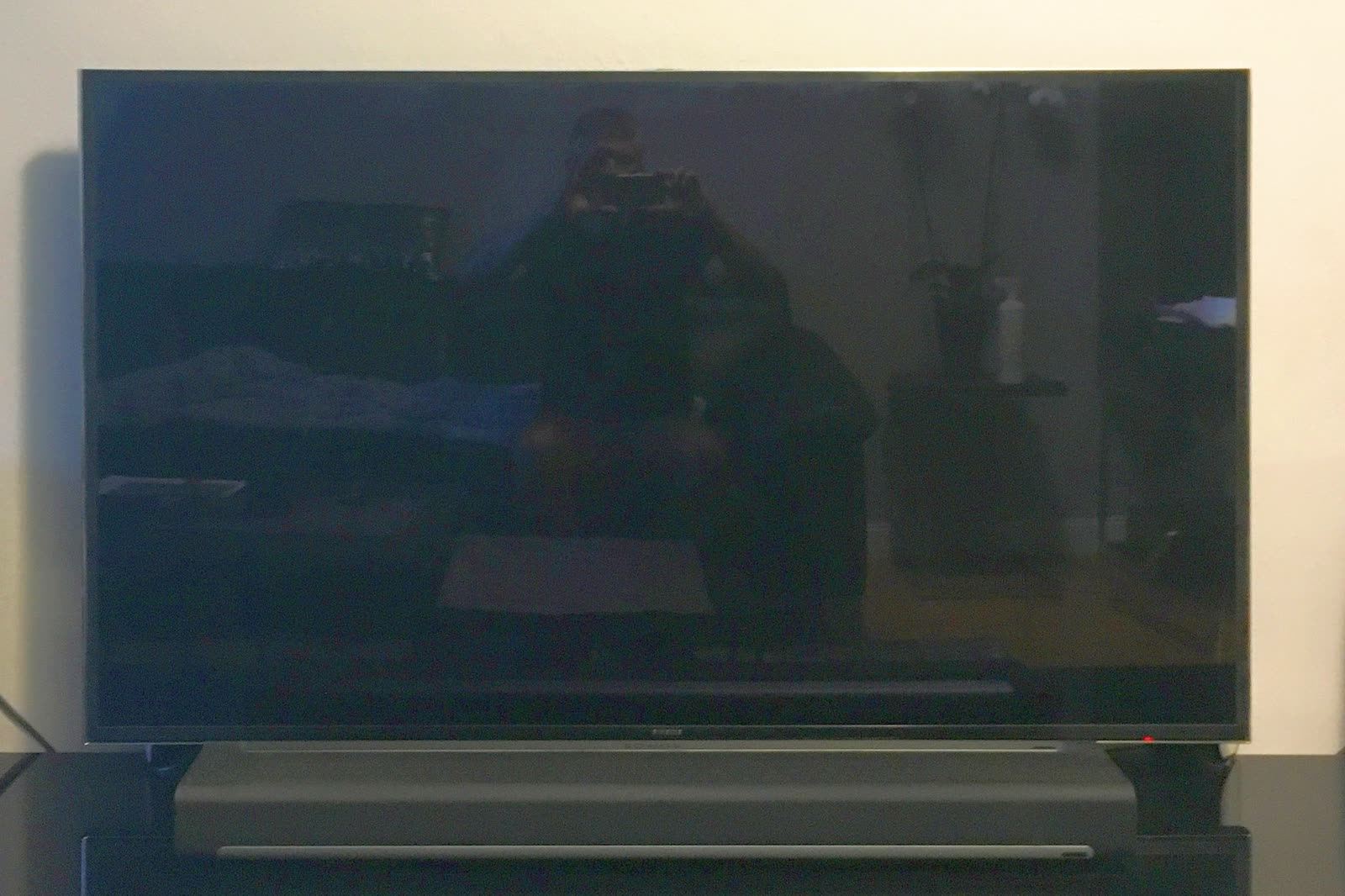
OnCall Tech is a reference tool for trained technicians and can make mistakes. Always disconnect power and confirm with the manufacturer's documentation before you work. © 2026 OnCall Tech. Original content; not a reproduction of any manufacturer document.Generic part photos (not of this brand): Soundbar sitting under a flat-screen TV by Pittigrilli, CC BY-SA 4.0