 7 components covered
Field manual · TV
Samsung QLED Q60 / Q70 / Q80 (2019-2024): quick sheet
Covers: Samsung non-Neo QLED (quantum-dot LCD) Q60, Q70 and Q80 series from about 2019 (R) through 2024 (D), Tizen OS. Not the Neo QLED QN85/QN90 mini-LED lines. The letter after the series number is the model year (e.g. Q80R, Q60T, Q80A, Q80C, Q80D as named in reviews).
Samsung's mainstream quantum-dot LCD sets. The key field fact is the backlight: Q60 and most Q70 years are edge-lit (LED strips along the panel edge), while Q80 is the full-array tier with a few dozen dimming zones (48 zones reported for the 2021 Q80A). Backlight strip failure, power board faults and Tizen software issues are the usual calls.
Safety first
- Unplug and wait several minutes before opening; primary capacitors on the power board can stay charged.
- Any live measurement on the power board or LED driver is caution work: insulated probes, one hand, no jewelry, never touch the primary (hot) side.
- LED driver outputs can be well above 100 V DC on larger sets; treat backlight connectors as live while powered.
- Open-cell panels crack from twisting; lift by the frame, two people for large sets.
How it works
The power board supplies standby and main rails plus the LED drive; the main board runs Tizen, decodes video and commands the backlight on and its dimming level; the T-con turns the main board's video data into panel row/column drive.
Edge-lit sets (Q60, most Q70) light the panel from LED bars at one or two edges through a light-guide plate; failure of one bar gives a dark or dim band along that edge or a fully black picture with sound.
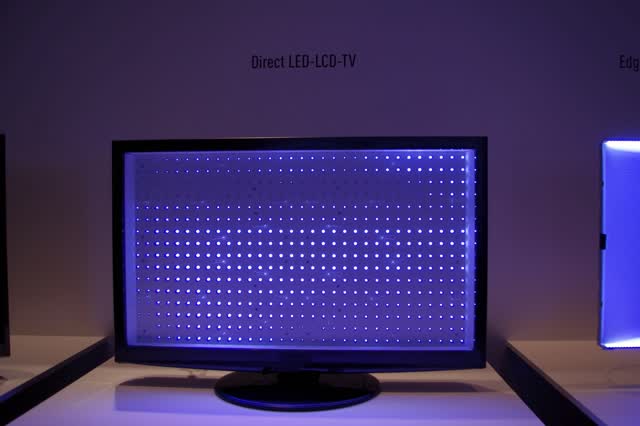
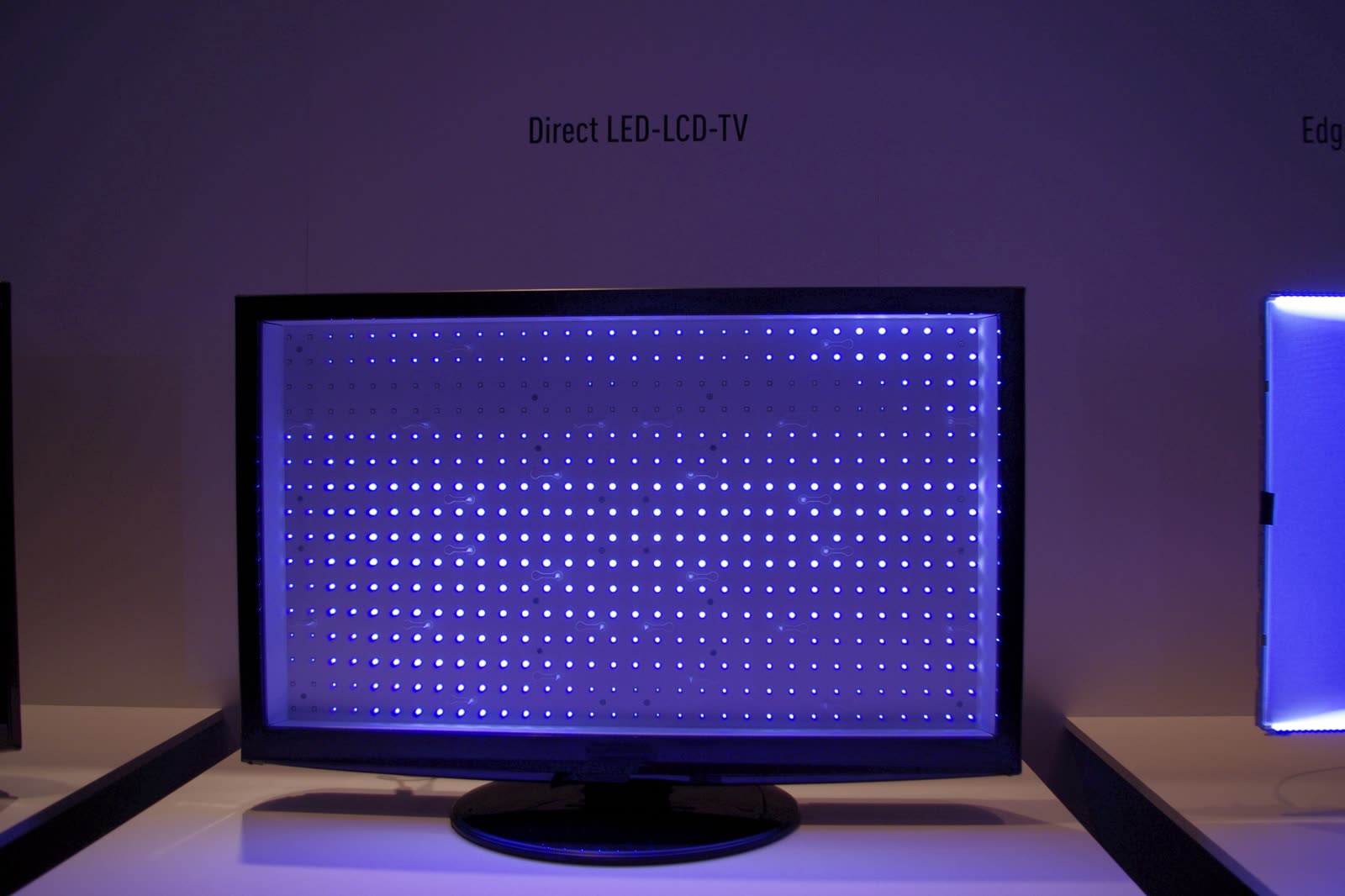
Full-array sets (Q80, and the 2019 Q70R per RTINGS) place LED strips behind a diffuser and switch zones independently; one failed strip often kills the whole string, so the picture goes black while sound continues.
Self Diagnosis (Settings > Support > Device Care > Self Diagnosis on most years) runs a built-in Picture Test; if the test image is clean, the fault is upstream (source, cable, input setting) rather than in the panel or backlight.
Components & tests
Unlock all 7 components, specs, service mode and teardown
Full library + AI assistant for $34.90, one time.
Get lifetime accessOfficial manufacturer documentation
Always confirm values against the tech sheet for the exact model.
OnCall Tech is a reference tool for trained technicians and can make mistakes. Always disconnect power and confirm with the manufacturer's documentation before you work. © 2026 OnCall Tech. Original content; not a reproduction of any manufacturer document.Generic part photos (not of this brand): LCD TV with the panel removed, showing the grid of lit LED backlights by RobertKuhlmann, CC BY-SA 3.0