 7 components covered
Field manual · TV
Epson home projectors (Home Cinema lamp models and EpiqVision laser): field service manual
Covers: Epson 3LCD home projectors: lamp-based Home Cinema (e.g. 880, 2150, 2250, 2350) and laser EpiqVision (e.g. LS300, LS800 ultra-short-throw).
Field work on these projectors is mostly indicators, airflow and consumables: lamp life and lamp door seating on lamp models, filters and heat on all models. Internal optical blocks are not field-serviceable. Laser models have no lamp to replace; their light source is rated around 20,000 hours to half brightness.
Safety first
- Lamps run very hot and contain mercury under pressure; let them cool before handling, and handle a broken lamp per the manufacturer's disposal guidance.
- The lamp ballast produces very high ignition voltage; no internal power-supply work in the field.
- Never look into the lens when the light source is on, especially on laser models.
How it works
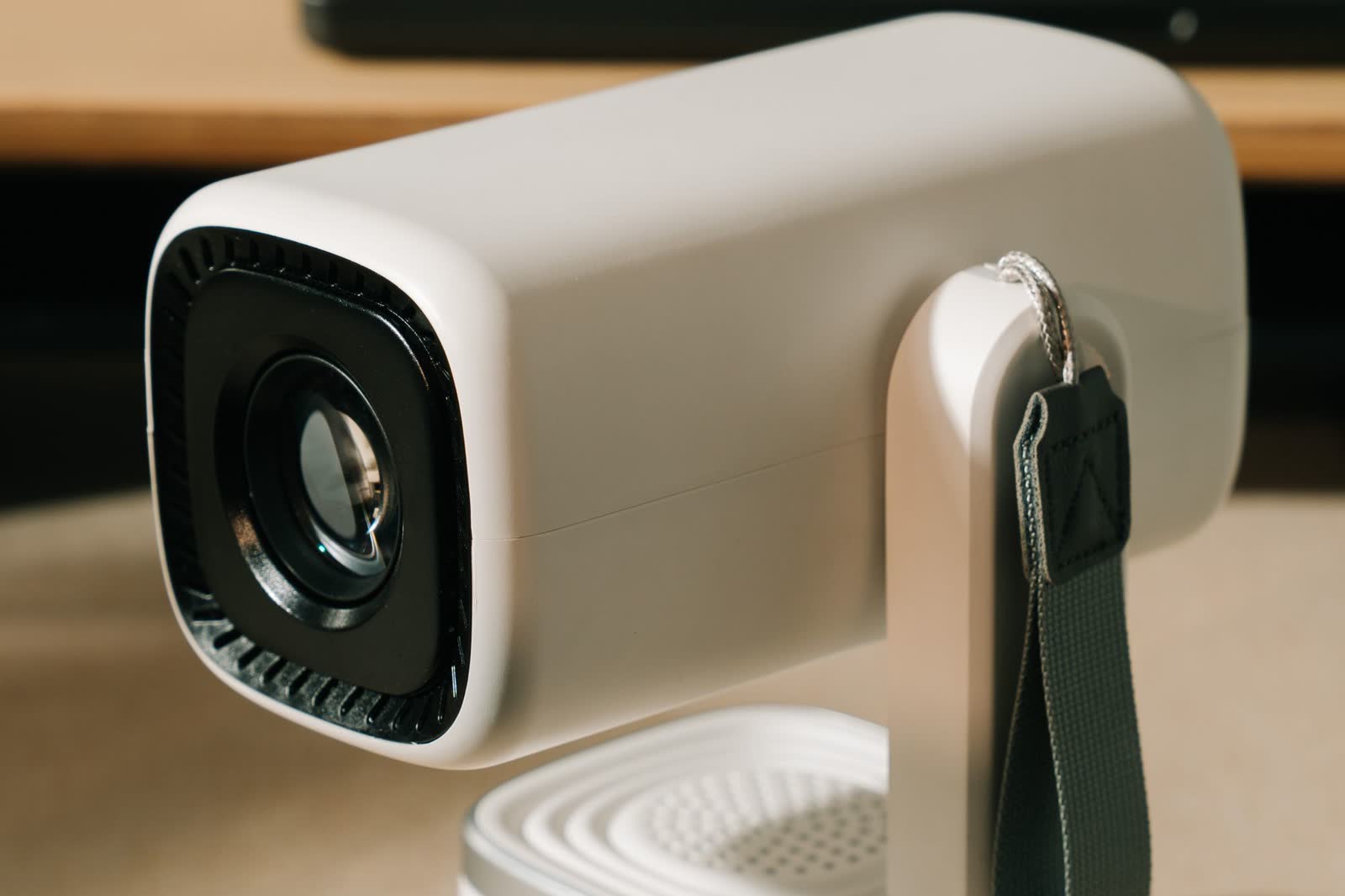
A light source (UHE lamp or laser/phosphor) passes through three LCD panels (red, green, blue) and a prism into the lens. Fans pull air through a filter across the light source and power supply.
Indicators (Power/Status, Lamp or Light, Temp) report state. On the Home Cinema 2350 table: Temp flashing orange = running too hot; Temp solid orange = overheated and shut off; Lamp flashing orange = lamp near end of life; Lamp solid orange = lamp or lamp cover problem.
Lamp hours are tracked by the projector; the counter must be reset only after a new lamp is fitted, from the Reset menu (Reset Lamp Hours).
Laser light sources are rated by half-life: about 20,000 hours means output falls to roughly half, not that it stops.
Components & tests
Unlock all 7 components, specs, service mode and teardown
Full library + AI assistant for $34.90, one time.
Get lifetime accessOfficial manufacturer documentation
Always confirm values against the tech sheet for the exact model.
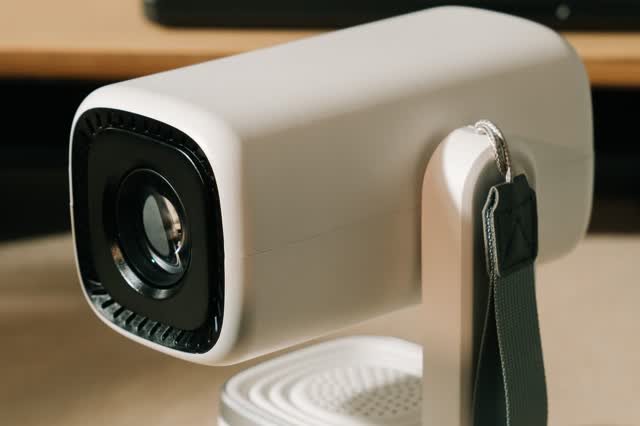
OnCall Tech is a reference tool for trained technicians and can make mistakes. Always disconnect power and confirm with the manufacturer's documentation before you work. © 2026 OnCall Tech. Original content; not a reproduction of any manufacturer document.Generic part photos (not of this brand): Compact white home projector seen from the lens side by Alpha En, Pexels License