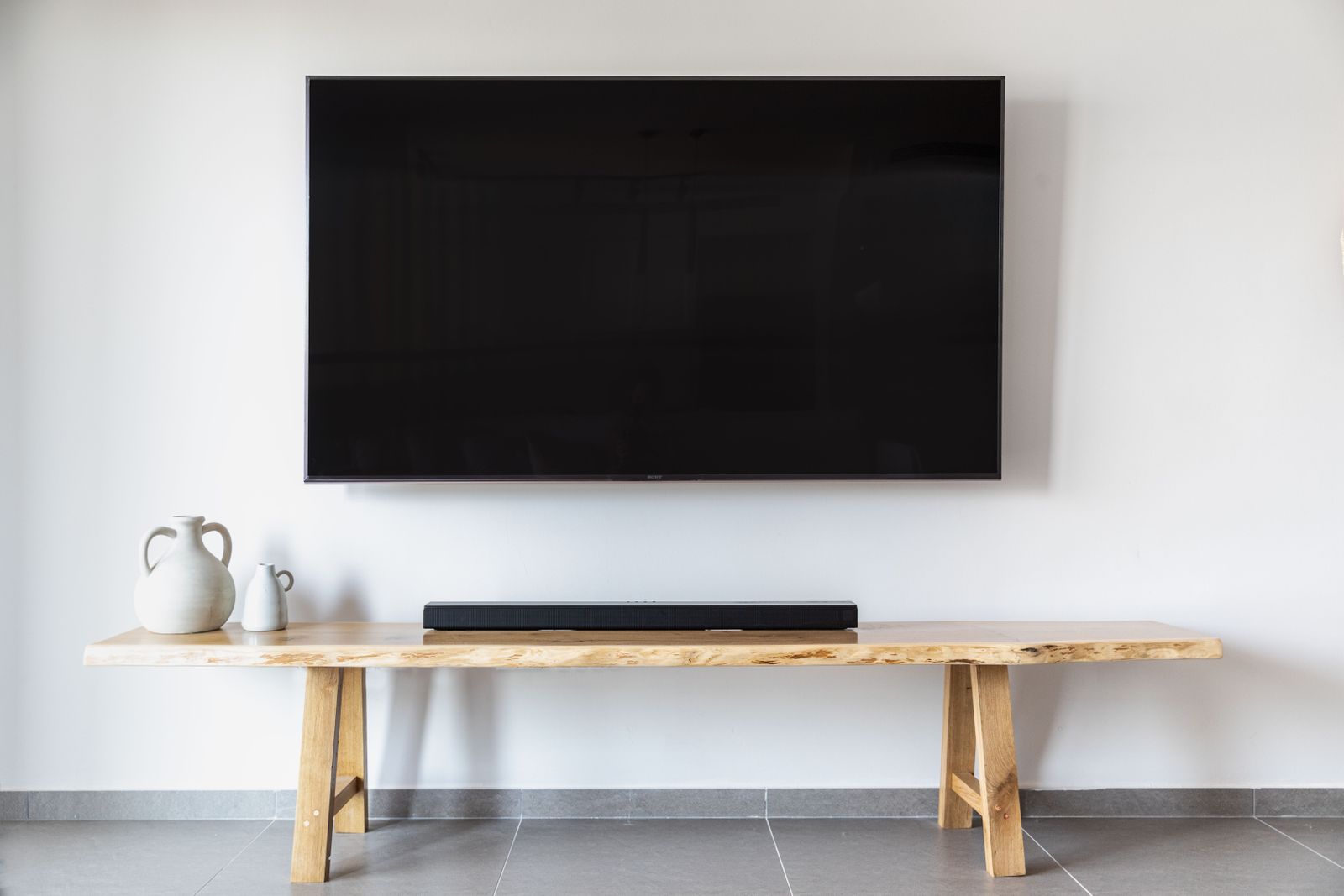
 2 components covered
Field manual · TV
Soundbars & home-theater audio basics: field manual
Covers: TV-connected soundbars with wired or wireless subwoofers, HDMI ARC/eARC and optical connections
Most soundbar calls are configuration, not hardware: wrong input on the bar, TV output not set to the external device, CEC off, audio format mismatch, or an unpaired subwoofer.
Safety first
- Unplug before moving or reconnecting powered subwoofers.
How it works
HDMI ARC/eARC sends TV audio back to the bar over the HDMI cable; CEC lets the TV remote control the bar's volume and power.
Optical carries digital audio one way (TV OUT to bar D.IN); the bar must be on the D.IN source and the TV output set to optical/receiver.
Wireless subwoofers pair to the bar with an ID SET procedure; the sub's LED shows link state.
Components & tests
Unlock all 2 components, specs, service mode and teardown
Full library + AI assistant for $34.90, one time.
Get lifetime accessOfficial manufacturer documentation
Always confirm values against the tech sheet for the exact model.
- Roku support: Wi-Fi & connectivity articles
- Amazon Fire TV help (black/blank screen)
- Epson projector support & FAQs
- Samsung US soundbar: connect the subwoofer
- Samsung US TV support
- LG US support
- TCL support (Roku TV & Google TV models)
- Vizio support
- Sony electronics support
- Hisense USA support
- Roku support
OnCall Tech is a reference tool for trained technicians and can make mistakes. Always disconnect power and confirm with the manufacturer's documentation before you work. © 2026 OnCall Tech. Original content; not a reproduction of any manufacturer document.