 6 components covered
Field manual · TV
TCL 4-Series Roku TV (S435 / S455): quick sheet
Covers: TCL 4-Series Roku TVs: S435 (2021 line, e.g. 43S435, 55S435, up to 85 in) and S455 (2022 line, e.g. 43S455, 55S455). Earlier S4-family sets (S405/S425 era) use the same design idea but different boards and strips (TCL product pages, Tom's Guide review, DisplaySpecifications launch note).
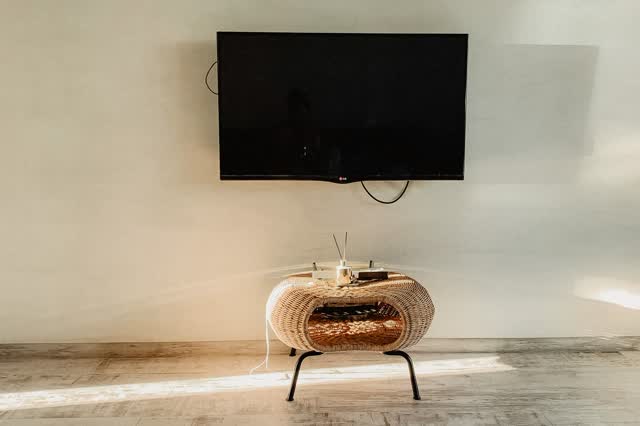
Entry-level 4K direct-lit LED TV running Roku TV, one of the best-selling budget sets in the US. No local dimming, 60 Hz native panel. Most bench work is no-backlight (sound, no picture) diagnosis: LED strips first, then the power board. For general LED/LCD theory see the LED/LCD TVs field service manual.
Safety first
- Unplug the set and wait several minutes before opening the back: the power-supply primary capacitors can hold a dangerous charge after unplugging.
- Power-supply and LED-driver checks with the set plugged in are caution work: insulated probes, one hand, no jewelry, and never touch the primary (hot) side.
- Lay the panel face-down only on a clean, padded, flat surface; open-cell panels crack from twisting or pressure on the glass.
- Two people for 55-inch and larger sets; lift by the frame, never by the screen.
- Use ESD protection when handling the main board and T-con; the flat flex cables tear easily.
How it works
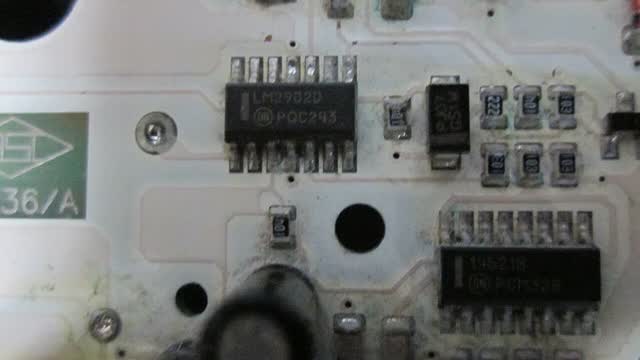
AC enters a single power board that makes the low-voltage rails for the main board and, on these sets, also drives the LED backlight strings. The Roku main board decodes video and sends it over a flat cable to the panel's T-con, which drives the LCD.
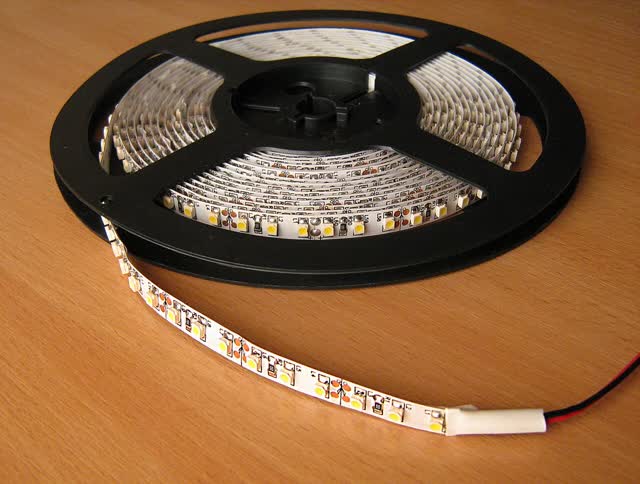
The backlight is a row of LED strips on the back sheet behind diffusers. The strips are wired in series, so one open LED usually kills the whole string and the board then shuts the backlight off, giving sound with a black screen.
Roku OS handles inputs, updates and resets. The Roku reset/update screen and platform screens are software menus, not factory panel-alignment menus.
Components & tests
Unlock all 6 components, specs, service mode and teardown
Full library + AI assistant for $34.90, one time.
Get lifetime accessOfficial manufacturer documentation
Always confirm values against the tech sheet for the exact model.
OnCall Tech is a reference tool for trained technicians and can make mistakes. Always disconnect power and confirm with the manufacturer's documentation before you work. © 2026 OnCall Tech. Original content; not a reproduction of any manufacturer document.