Field manual · Garage Door Opener

Ryobi GD200 / GD200A / GD201 Ultra-Quiet belt-drive opener (ONE+ battery backup): quick sheet

Covers: Ryobi 2 HPs Ultra-Quiet belt-drive modular opener launched in 2016 as a Home Depot exclusive: GD200, the later GD200A (manual used here) and GD201 (retail listings describe it as the same 2 HPs battery-backup opener; unverified). Built for One World Technologies (TTI). Accessory modules plug into the head: GDM330 cord reel, GDM421 fan, GDM222 laser park assist, GDM920 CO alarm, GDM120 speaker. One independent blog reports the line has been discontinued with little parts support (unverified). Search terms: Ryobi garage door opener beeping, Ryobi GD200 limits not set, Ryobi opener all buttons blinking, Ryobi GD200A won't close, Ryobi garage door opener Wi-Fi.

Single sourceBrands: Ryobi6 components

A belt-drive DC opener whose power head doubles as a ONE+ 18 V battery charger and accessory hub: seven DC accessory ports, two GFCI-protected 120 V receptacles, motion-sensing LED lights and Wi-Fi with a Ryobi app. Setup and most faults are reported through the console buttons (UP, DOWN, SET, PROGRAM) and a buzzer rather than numbered codes, so learn the patterns below.

Safety first

  • Before servicing, lower the door, unplug the head and remove the battery pack: the pack alone can run the door.
  • If the door runs the opposite way from the button pressed, stop: the inner trolley may be installed backward, which can crush someone in the door path.
  • Do not touch springs, cables or bottom brackets; refer them to a door technician.
  • App control (unattended close) is only for sectional doors.
  • Use only Ryobi-listed accessories in the ports and receptacles.

How it works

The console behind a door on the power head holds UP, DOWN, SET and PROGRAM buttons plus a reset for the accessory circuit breaker. Travel limits are taught with UP/DOWN and stored with SET; the opener senses door weight and sets its own force.

With a Ryobi 18 V ONE+ battery in the battery port, the opener charges it on AC and switches to it when AC is lost. On battery the door, sensors and LED lights keep working, but the AC receptacles and DC accessory ports are switched off.

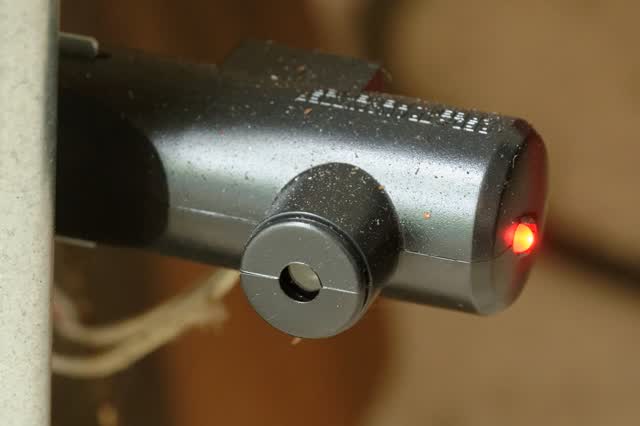
Safety sensors throw an invisible beam across the opening; the red LED is the transmitter and the green LED the receiver. If either is off or the beam is blocked, the door will not close from remotes or the app.

The opener will not answer remotes or keypads until travel limits are set and tested, and a buzzer plus blinking console buttons flag the problem when something goes wrong during setup.

Components & tests

Unlock all 6 components, specs, service mode and teardown

Full library + AI assistant + the OnCall Tech app for iPhone & Android. $34.90, one time.

Get lifetime access

Official manufacturer documentation

Always confirm values against the tech sheet for the exact model.

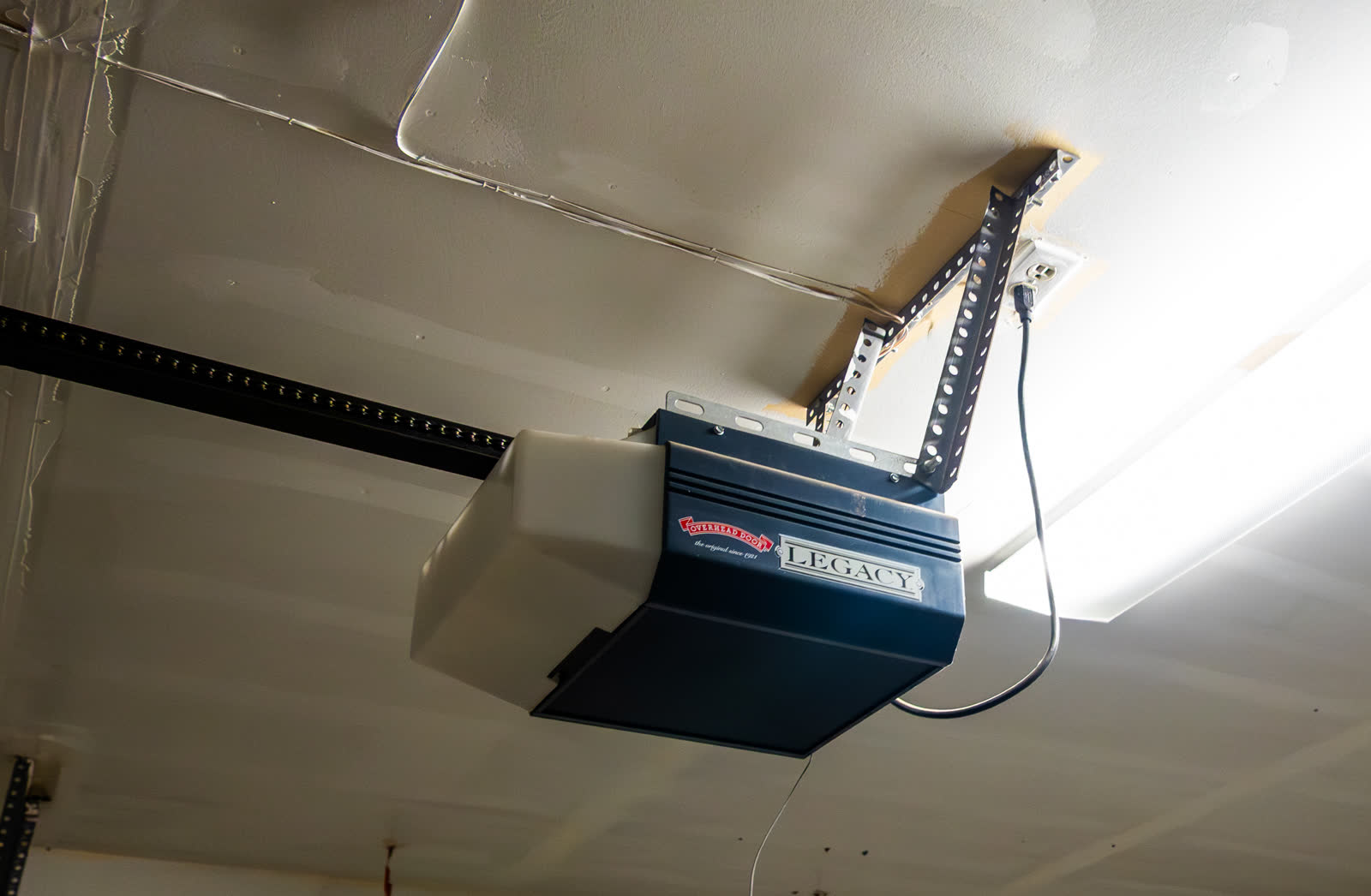
OnCall Tech is a reference tool for trained technicians and can make mistakes. Always disconnect power and confirm with the manufacturer's documentation before you work. © 2026 OnCall Tech. Original content; not a reproduction of any manufacturer document.Generic part photos (not of this brand): Ceiling-mounted garage door opener with its rail and power cord by Tony Webster, CC BY 4.0
Diagnostic guides for this appliance

Guide · Garage Door Opener

Garage door openers: reading LED, arrow and light-flash diagnostic codes (LiftMaster/Chamberlain, Genie)

Openers report problems through the indicator that model has: LiftMaster/Chamberlain uses the LED next to the Learn button or a pair of UP and DOWN arrows (read as a count of UP flashes then DOWN flashes); Genie uses powerhead LEDs and separate sensor LEDs. The model number on the motor label decides which chart applies. The method is the same: identify the indicator, count over two repeats, look up that model's chart.

6 steps ~15 mineasy
Guide · Garage Door Opener

Garage door opener safety tests: monthly reversal test, photo-eye test and after-adjustment retest

Chamberlain/LiftMaster say the safety reversal system must be tested every month and after any adjustment to force, travel, the door arm, springs, hardware or the floor. Place a 1-1/2 in object (a 2x4 laid flat) centered under the open door and close it: the door must reverse on contact. Then break the photo-eye beam while closing: the door must stop and reverse. If it fails, adjust per the manual or take the opener out of service until a door tech fixes it.

6 steps ~20 mineasy
Guide · Garage Door Opener

Car HomeLink won't program to a Security+ 2.0 (yellow LEARN) opener

Confirm the opener's radio (yellow LEARN button means Security+ 2.0), then use the vehicle's HomeLink procedure with a fresh remote battery and the 30-second LEARN window. Many older HomeLink vehicles cannot speak Security+ 2.0 and need a Chamberlain/LiftMaster HomeLink compatibility bridge.

7 steps ~20 mineasy

Other garage door openers manuals

Manual · Garage Door Opener

LiftMaster 8550 / 8550W / 8550WLB Elite Series DC belt drive with battery backup: quick sheet

LiftMaster Elite Series DC belt-drive openers with the built-in 485LM battery backup: the original 8550 (Security+ 2.0, myQ through a separate 828LM Internet Gateway) and the Wi-Fi versions 8550W, 8550WL (lock-capable) and 8550WLB, which Chamberlain groups in one owner's manual with 8550WLB-267, 8557W, 8587W/8587WL, 85503 and WLED. All have the round yellow LEARN button. Units built from 2022 carry a Step Saver Setup sticker under the LEARN button and use a different setup article. Model and serial are on the label on the motor unit. Flash/diagnostic codes are not repeated here: see the LiftMaster / Chamberlain belt-drive quick sheet (quicksheet-liftmaster-chamberlain-belt-drive). Search terms: LiftMaster 8550W beeping, 8550 battery light red, 485LM battery replacement, 8550W won't connect Wi-Fi, LiftMaster Elite battery backup orange light.

7 components8 common failuresLiftMaster, Chamberlain
Manual · Garage Door Opener

Craftsman openers built by Chamberlain (Sears 139.x and current CMXEOCG series): quick sheet

Craftsman-brand trolley openers made by The Chamberlain Group: the Sears-era units whose model number starts with 139. (for example 139.53915 belt drive) and the current Craftsman line sold through Lowe's and Ace under Stanley Black & Decker's brand license, such as the CMXEOCG471 Smart chain drive (myQ / Wi-Fi) and CMXEOCG781 (Wi-Fi with battery backup, unverified). Craftsman models starting with 200. were built by Guardian and are not covered. The serial number is on the motor unit label; on CMXEOCG units that serial is also used to add the opener to myQ. Codes are not repeated here: the current units use the Chamberlain Security+ 2.0 chart, see the LiftMaster / Chamberlain chain-drive quick sheet (qs-liftmaster-chamberlain-chain-drive). Search terms: Craftsman garage door opener blinking, Craftsman 139 limit adjustment, CMXEOCG471 won't close, Craftsman opener learn button color, Craftsman myQ setup.

6 components7 common failuresCraftsman, Chamberlain
Manual · Garage Door Opener

Genie Excelerator screw-drive openers (H8000, ISD990, ISD995, ISD1000, PRO99, CMD9900): quick sheet

Genie Excelerator series DC screw-drive openers with Intellicode remotes and Series II electronics: H8000, H8000-07, H8000D, ISD990, ISD995, ISD1000, PRO99, PRO99-21C, PRO99FN and CMD9900. The green status LED under the lens gives the blink codes below. Legacy Genie AC screw drives (Medallion, Direct Lift, first-generation Excelerator, IS/ISL/IC and H series) share the carriage-replacement procedure but not these codes. Genie's ChainLift/QuietLift trolley units are covered in qs-genie-chainlift-quietlift-800. The model and serial label is on the power head. Search terms: Genie Excelerator blinking light, Genie screw drive won't close, Genie ISD990 5 blinks, Genie screw drive carriage stripped, Genie Excelerator overheated.

7 components8 common failuresGenie
Ryobi GD200 / GD200A / GD201 Ultra-Quiet belt-drive opener (ONE+ battery backup): quick sheet · OnCall Tech