 3 components covered
Field manual · Thermostat
Honeywell / Resideo VisionPRO 8000 with Wi-Fi touchscreen thermostat (TH8321WF1001): quick sheet
Covers: VisionPRO 8000 Smart / with Wi-Fi, TH8321WF1001: up to 3 heat / 2 cool heat pump or 2 heat / 2 cool conventional, with one universal IAQ output (U1) and a wired sensor input (S1). Distributors list it as discontinued; many are still in the field. RedLINK versions (TH8320R / TH8321R) are related but not covered here.
Pro touchscreen with C-wire power required, separate R and Rc, an L/A output, U1 dry-contact IAQ relay, S1 sensor input and a password-protected installer setup (the password is the date code). Calls: Wi-Fi/Total Connect Comfort registration, wrong IAQ setup on U1, outdoor temperature source, and two-transformer jumper errors.
Safety first
- 24 VAC only.
- Power off before rewiring; never bridge two transformers.
How it works
24 VAC with a C wire is required. Remove the factory R-Rc jumper only on two-transformer systems; C then comes from the cooling transformer.
Heat pump terminals: O/B (set O or B in setup), Aux/E (backup/emergency heat), Y/Y2, G and L/A (heat pump reset/equipment monitor). Conventional: W/W2, Y/Y2, G, A.
U1/U1 is a dry-contact IAQ relay for a humidifier, dehumidifier, ventilator or an extra heat/cool stage; it can be set normally open or closed. A field jumper from R to U1 is used only when the device is powered by the system transformer.
S1/S1 takes a wired indoor, outdoor or discharge air sensor (10k ohm NTC sensors are listed as accessories). Outdoor temperature can come from that sensor or from the internet.
K terminal works with Honeywell's C-wire adapter (Y and G on one wire) when only four wires are available.
Installer setup and installer test: Menu > Installer Options > enter the date code as the password. The date code is on the back of the thermostat or under Menu > Dealer Information.
Components & tests
Unlock all 3 components, specs, service mode and teardown
Full library + AI assistant + the OnCall Tech app for iPhone & Android. $34.90, one time.
Get lifetime accessOfficial manufacturer documentation
Always confirm values against the tech sheet for the exact model.
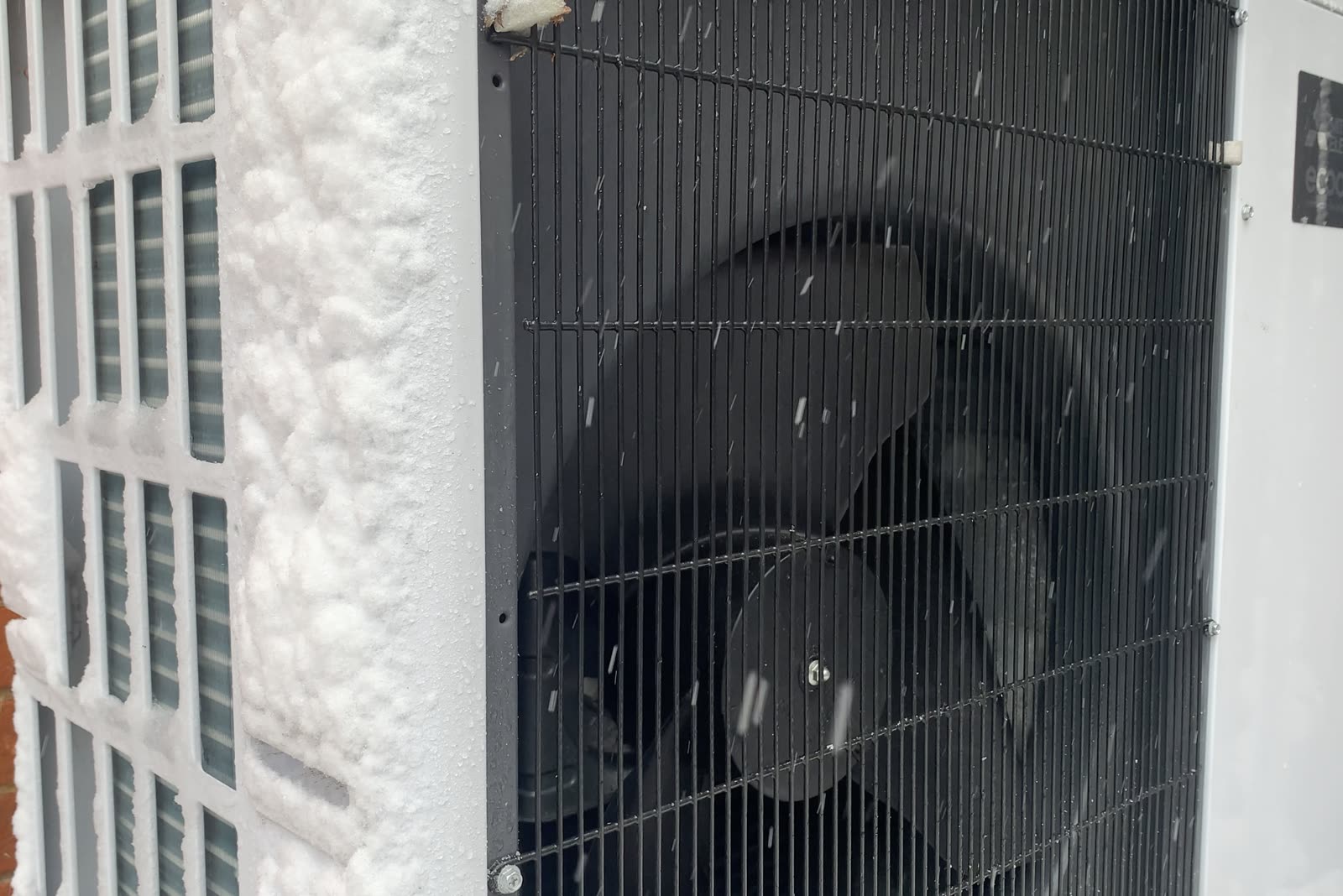
OnCall Tech is a reference tool for trained technicians and can make mistakes. Always disconnect power and confirm with the manufacturer's documentation before you work. © 2026 OnCall Tech. Original content; not a reproduction of any manufacturer document.Generic part photos (not of this brand): Air-source heat pump outdoor unit beside a house in the snow by PeterEastern, CC BY-SA 4.0