 8 components covered
Field manual · Dryer
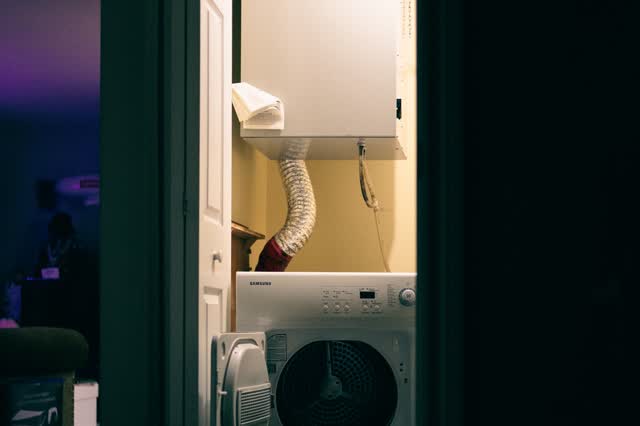
Samsung DVE50R5200 / DVG50R5200 dryer (7.4 cu ft, top-load companion): quick sheet
Covers: DVE50R5200W (white) and DVE50R5200V (brushed black) electric dryers; gas twins DVG50R5200W / DVG50R5200V. 27-inch 7.4 cu ft Sensor Dry dryers sold as the match for the WA50R5200 top-loader, about 2019 onward (R = 2019); retailers now list the electric white model as discontinued.
Basic Samsung digital dryer: 10 preset cycles, Sensor Dry, 4-way venting, reversible door and drum light. Samsung's spec page lists no vent sensor on this model, so do not expect the vent-blockage warning codes some Samsung dryers show. Typical calls: no heat, long dry times from venting, noise from rollers and idler, and door switch faults. Deep diagnostics: see the Samsung DV dryer field service manual.
Safety first
- Unplug before opening panels; electric models run on 240 V.
- Live-voltage checks at the outlet or terminal block are caution work.
- Gas models: gas valve, gas piping and burner gas work are blocked; smell gas = leave, shut the supply if safe, call the gas utility.
- A blocked vent is a fire risk: clean it before returning the dryer to service.
How it works
A motor turns the drum with a belt and idler and also drives the blower that pulls air through the lint filter and out the vent.
Electric models heat with an element in a housing at the back of the cabinet (one retailer lists 5,300 W), protected by thermostats and a thermal fuse. Gas models use a burner with an igniter and gas valve; the gas side is referral work.
Sensor Dry reads moisture through sensor bars inside the drum and ends the cycle when the load is dry; dirty bars or a restricted vent make cycles run long.
The board shows codes for heating (HE/hE/HC), temperature sensor (tO/tS/tE) and door faults (dF/dE/dC), as listed in Samsung's dryer code list.
Components & tests
Unlock all 8 components, specs, service mode and teardown
Full library + AI assistant + the OnCall Tech app for iPhone & Android. $34.90, one time.
Get lifetime accessOfficial manufacturer documentation
Always confirm values against the tech sheet for the exact model.
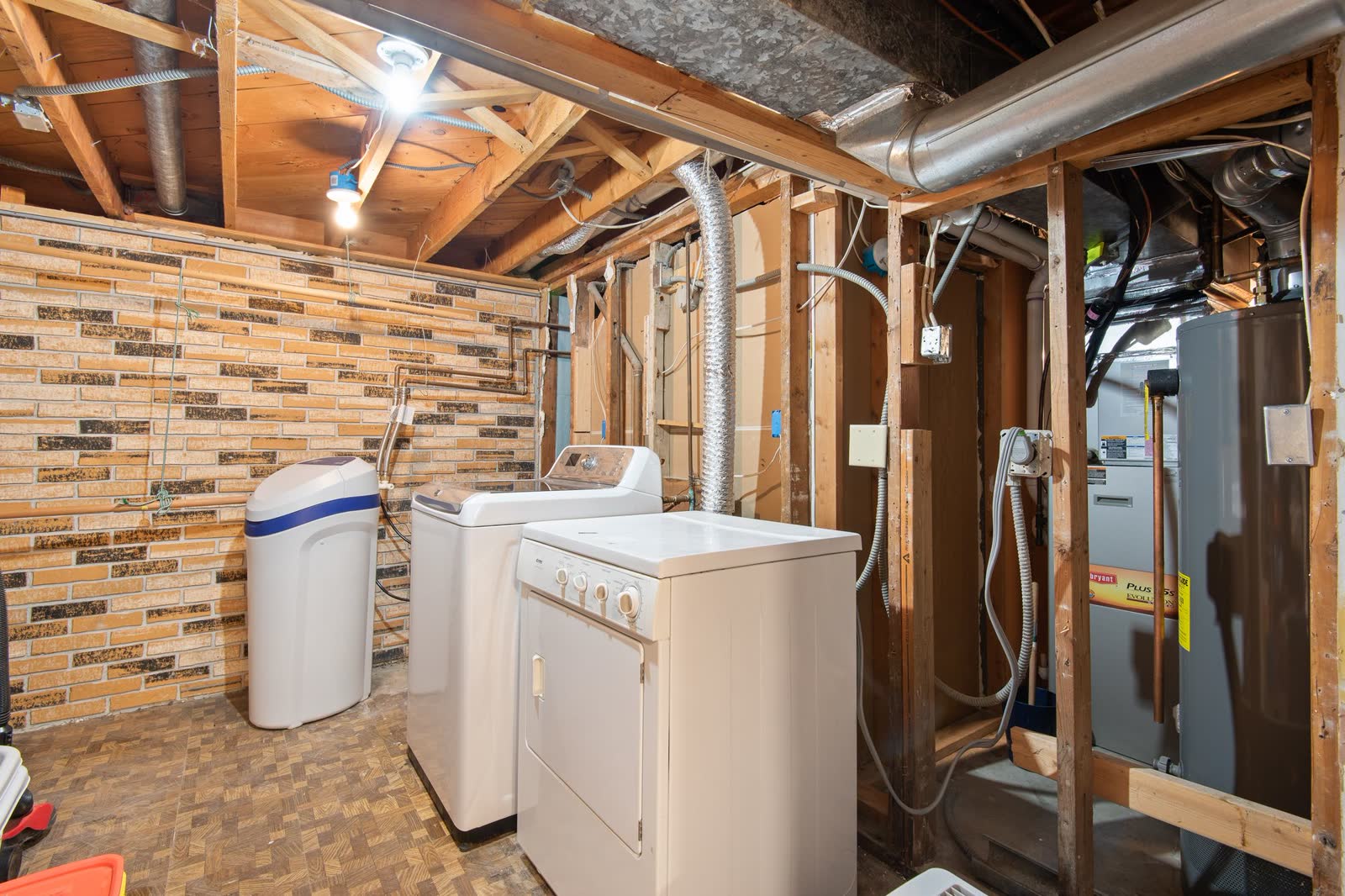
OnCall Tech is a reference tool for trained technicians and can make mistakes. Always disconnect power and confirm with the manufacturer's documentation before you work. © 2026 OnCall Tech. Original content; not a reproduction of any manufacturer document.Generic part photos (not of this brand): Basement laundry area with a top-load washer and dryer next to utility equipment by Đỗ Huy Hoàng, Pexels License