 3 components covered
Field manual · Thermostat
Smart thermostat installation & troubleshooting: field service manual
Covers: Wi-Fi thermostats for 24 VAC systems: Nest Learning/Nest Thermostat, ecobee, Honeywell Home T-series/Lyric, Sensi, Amazon Smart Thermostat. Line-voltage models (e.g. for baseboard heat) are covered only by the safety notes.
Smart thermostats fail in the field mostly for three reasons: not enough power (no C wire), wrong configuration (system type, O/B, stages) and network problems. Each brand reports these through its own code family.
Safety first
- Line-voltage thermostats carry lethal voltage: breaker off and verify dead; consider an electrician
- Never bypass HVAC safety switches
- Mercury thermostats go to a TRC drop-off or hazardous-waste site, never the trash
How it works
The base detects which terminals have wires and, on many models, which ones carry voltage; the app or installer menu then sets the equipment type.
Without a C wire, some models trickle-charge an internal battery through the call wires (power stealing). This can cause reboots, dropped Wi-Fi and chattering relays on sensitive equipment.
Nest groups codes by letter: E codes are critical and block heating/cooling, N codes are low-power notices, W codes are Wi-Fi, M codes are informational. Honeywell Home uses numeric codes (e.g. 164, 173, 400). ecobee reports numbered alerts (e.g. 1009 aux running too long).
Components & tests
Unlock all 3 components, specs, service mode and teardown
Full library + AI assistant for $34.90, one time.
Get lifetime accessOfficial manufacturer documentation
Always confirm values against the tech sheet for the exact model.
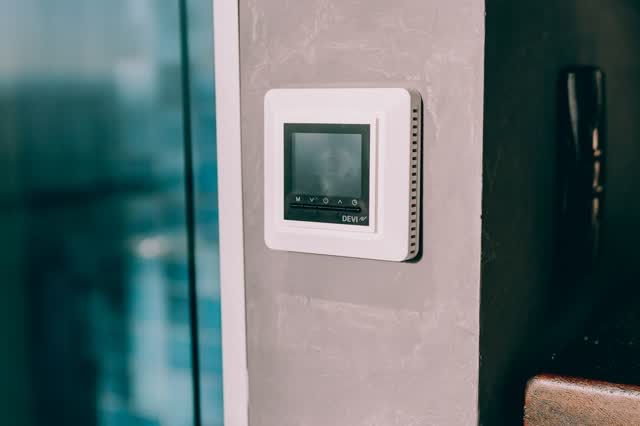
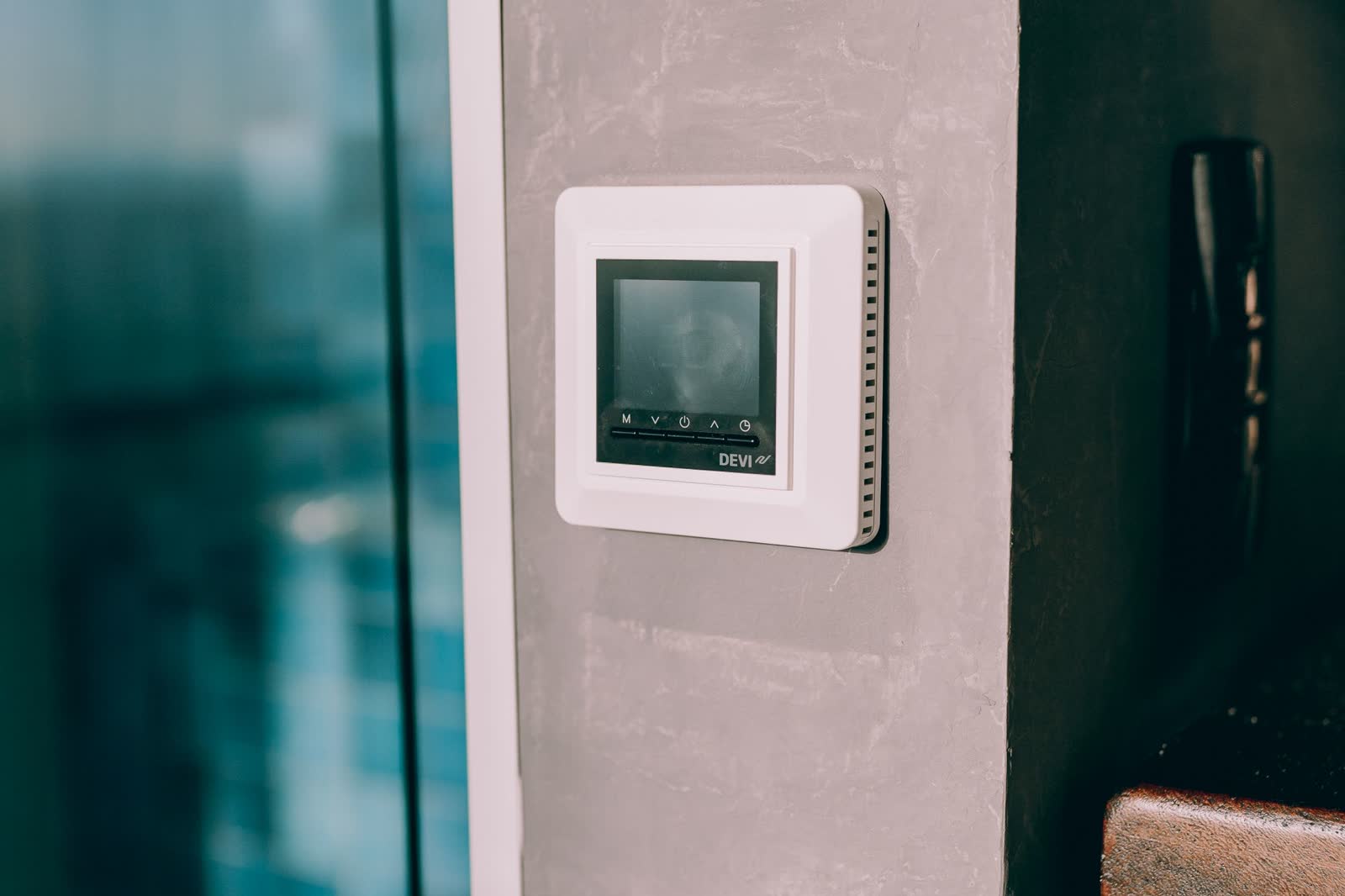
OnCall Tech is a reference tool for trained technicians and can make mistakes. Always disconnect power and confirm with the manufacturer's documentation before you work. © 2026 OnCall Tech. Original content; not a reproduction of any manufacturer document.Generic part photos (not of this brand): Digital thermostat mounted on a concrete wall by Alexander Mass, Pexels License