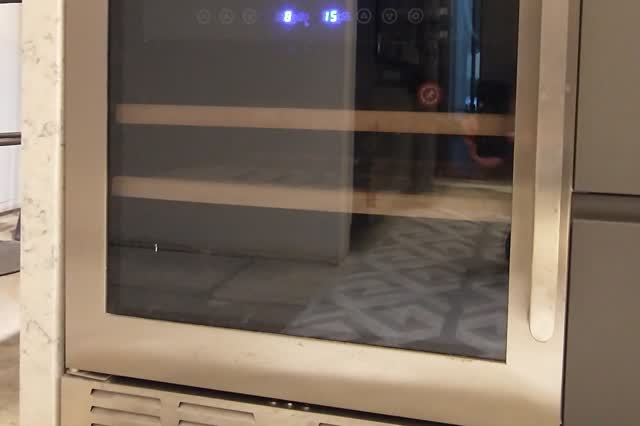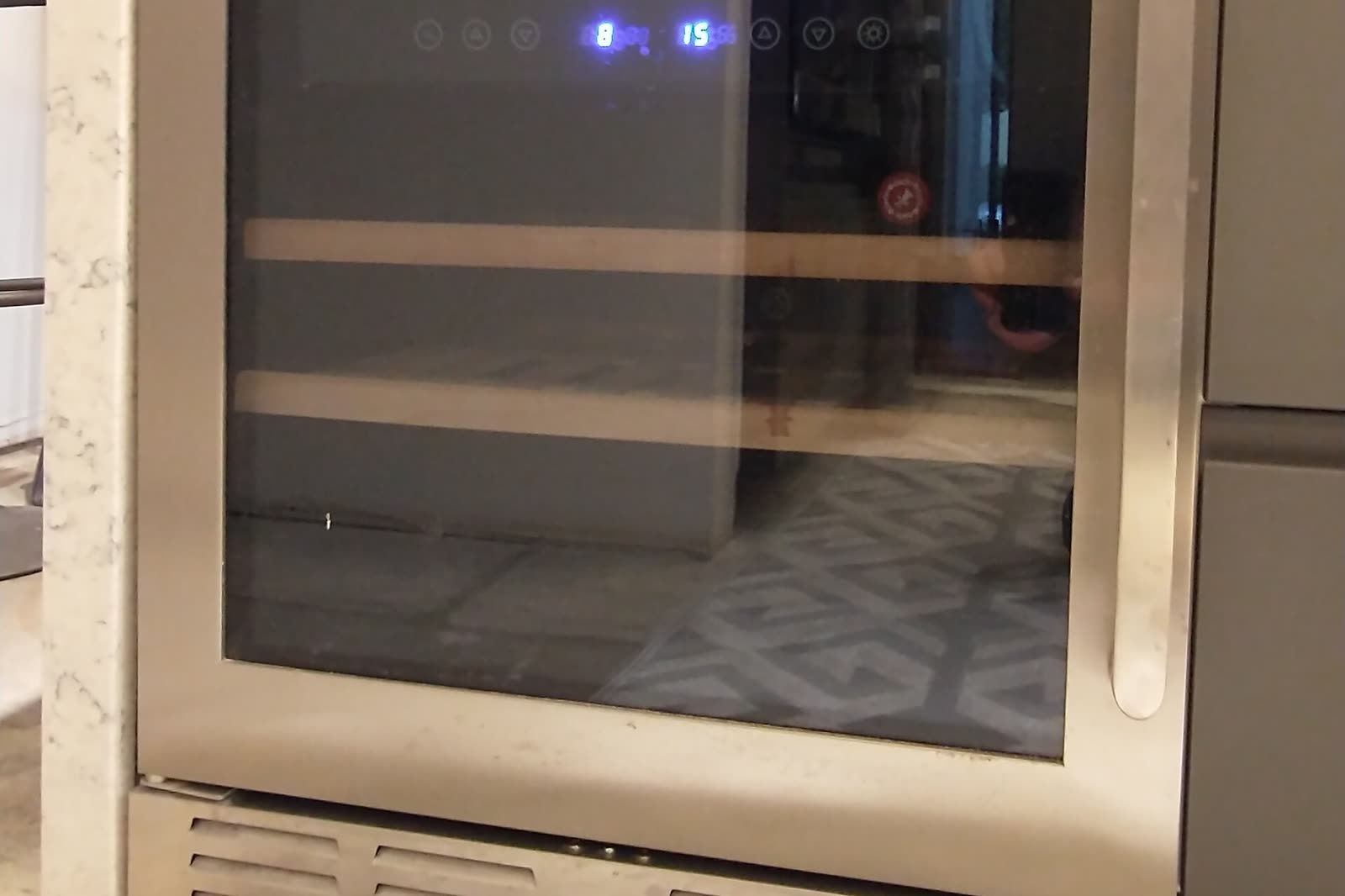
Wine cooler or beverage center won't turn on (dead display, no lights, no fan)
Start with the supply: tripped GFCI or breaker, a switched outlet, an extension cord or power strip, or a loose plug behind an undercounter unit. Then check that the unit's own controls are switched on. Only then move to the cord, an internal fuse, the power supply on the control board, and the board itself. An outlet can be protected by a GFCI located elsewhere on the circuit, so check other GFCIs nearby.
Cross-checked ~30 min easyBrands: All
Before you start
- Unplug the unit before removing any panel or pulling an undercounter unit out
- Some control boards hold a charge in capacitors after unplugging; wait and verify before touching board components
- Do not use an extension cord or power strip as the permanent fix
Diagnostic steps
Unlock all 6 steps with expected values
Full library + AI assistant + the OnCall Tech app for iPhone & Android. $34.90, one time.
Get lifetime accessOnCall Tech is a reference tool for trained technicians and can make mistakes. Always disconnect power and confirm with the manufacturer's documentation before you work.