Setting garage door opener travel limits by model family (LiftMaster/Chamberlain button and screw types, Genie)

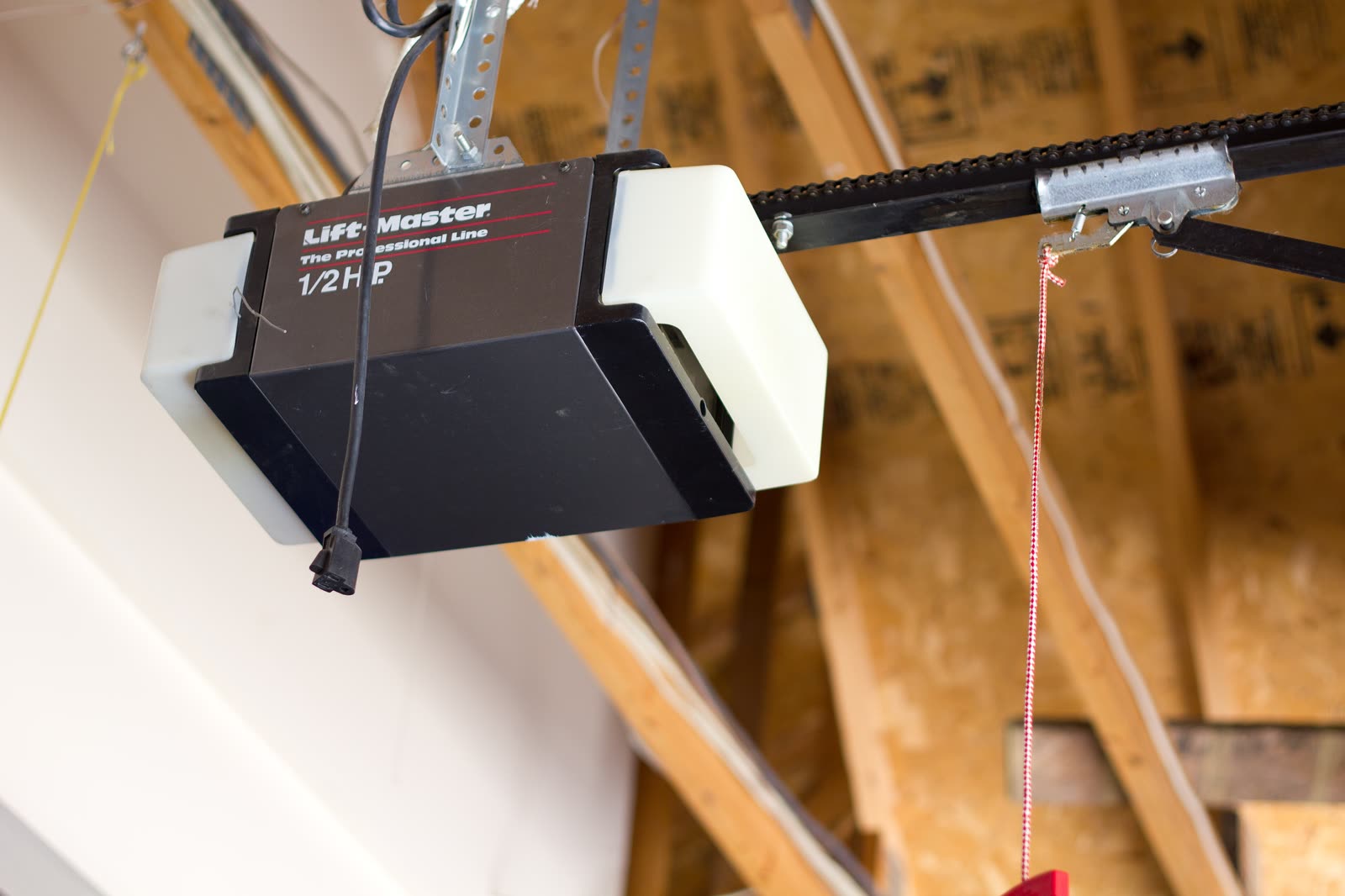
How you set the open and close positions depends on the opener generation. Older LiftMaster/Chamberlain units use UP and DOWN limit screws on the motor head (about 2 inches of travel per full turn). Security+ 2.0 era units (roughly 2011 on) use a black adjustment button plus the UP/DOWN arrows. Genie button units use the UP/DOWN arrows and a SET/PRGM button with blue LEDs; Genie screw drives use limit clamps on the rail. After any change, run the reversal and photo-eye tests. Never 'fix' a door that will not close by turning up force.

Cross-checked ~30 min easyBrands: LiftMaster, Chamberlain, Craftsman, Genie

Before you start

  • Before setting limits, check door balance with the opener disconnected; an unbalanced door may not reverse when it should. Springs, cables, pulleys and brackets are under high tension: do not loosen or adjust them; that is trained door-technician work.
  • Keep people, pets and vehicles out of the door path while testing.
  • After any limit change, the door must reverse on a 2x4 laid flat at the center of the opening and on a broken photo-eye beam. If it does not, take the opener out of service until fixed.

Diagnostic steps

Unlock all 5 steps with expected values

Full library + AI assistant + the OnCall Tech app for iPhone & Android. $34.90, one time.

Get lifetime access

OnCall Tech is a reference tool for trained technicians and can make mistakes. Always disconnect power and confirm with the manufacturer's documentation before you work.
More garage door openers guides

Guide · Garage Door Opener

Garage door openers: reading LED, arrow and light-flash diagnostic codes (LiftMaster/Chamberlain, Genie)

Openers report problems through the indicator that model has: LiftMaster/Chamberlain uses the LED next to the Learn button or a pair of UP and DOWN arrows (read as a count of UP flashes then DOWN flashes); Genie uses powerhead LEDs and separate sensor LEDs. The model number on the motor label decides which chart applies. The method is the same: identify the indicator, count over two repeats, look up that model's chart.

6 steps ~15 mineasy
Guide · Garage Door Opener

Garage door opener safety tests: monthly reversal test, photo-eye test and after-adjustment retest

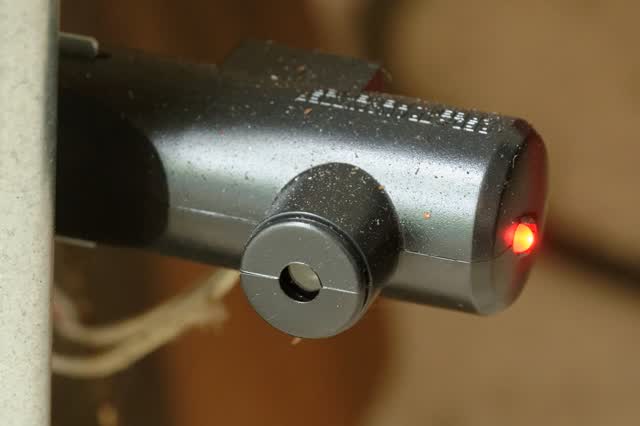
Chamberlain/LiftMaster say the safety reversal system must be tested every month and after any adjustment to force, travel, the door arm, springs, hardware or the floor. Place a 1-1/2 in object (a 2x4 laid flat) centered under the open door and close it: the door must reverse on contact. Then break the photo-eye beam while closing: the door must stop and reverse. If it fails, adjust per the manual or take the opener out of service until a door tech fixes it.

6 steps ~20 mineasy
Guide · Garage Door Opener

Car HomeLink won't program to a Security+ 2.0 (yellow LEARN) opener

Confirm the opener's radio (yellow LEARN button means Security+ 2.0), then use the vehicle's HomeLink procedure with a fresh remote battery and the 30-second LEARN window. Many older HomeLink vehicles cannot speak Security+ 2.0 and need a Chamberlain/LiftMaster HomeLink compatibility bridge.

7 steps ~20 mineasy
Setting garage door opener travel limits by model family (LiftMaster/Chamberlain button and screw types, Genie) · OnCall Tech